LabTutor was retired in December 2019
Amy Bucher, Head of Education at ADInstruments
LabTutor will no longer be sold or packaged with teaching kits in regions where Lt or Lt LabStation are available. LabTutor will be retired in most regions by the end of 2019.
We encourage LabTutor users to contact their closest ADInstruments office to talk to one of our sales team about transitioning to Lt or Lt LabStation with minimum fuss.
You can continue to use LabTutor as it is, if it is working for you. However, we will not be developing any new features or new versions.
Lt and Lt LabStation are modern teaching platforms that function with newer operating systems. They let us advance from where LabTutor has left off, providing a more future-proof solution. It means that we can continue to provide you with the very best active learning experience for your students while reducing the stress of curriculum development and content organization for instructors.
When will we stop supporting LabTutor?
We estimate we will be able to support LabTutor until it’s retirement in late 2019. However this support is heavily dependant on operating system updates, which are out of our control. We pride ourselves on our support and service and we will strive to give you a similar level of service, as long as the technology allows!
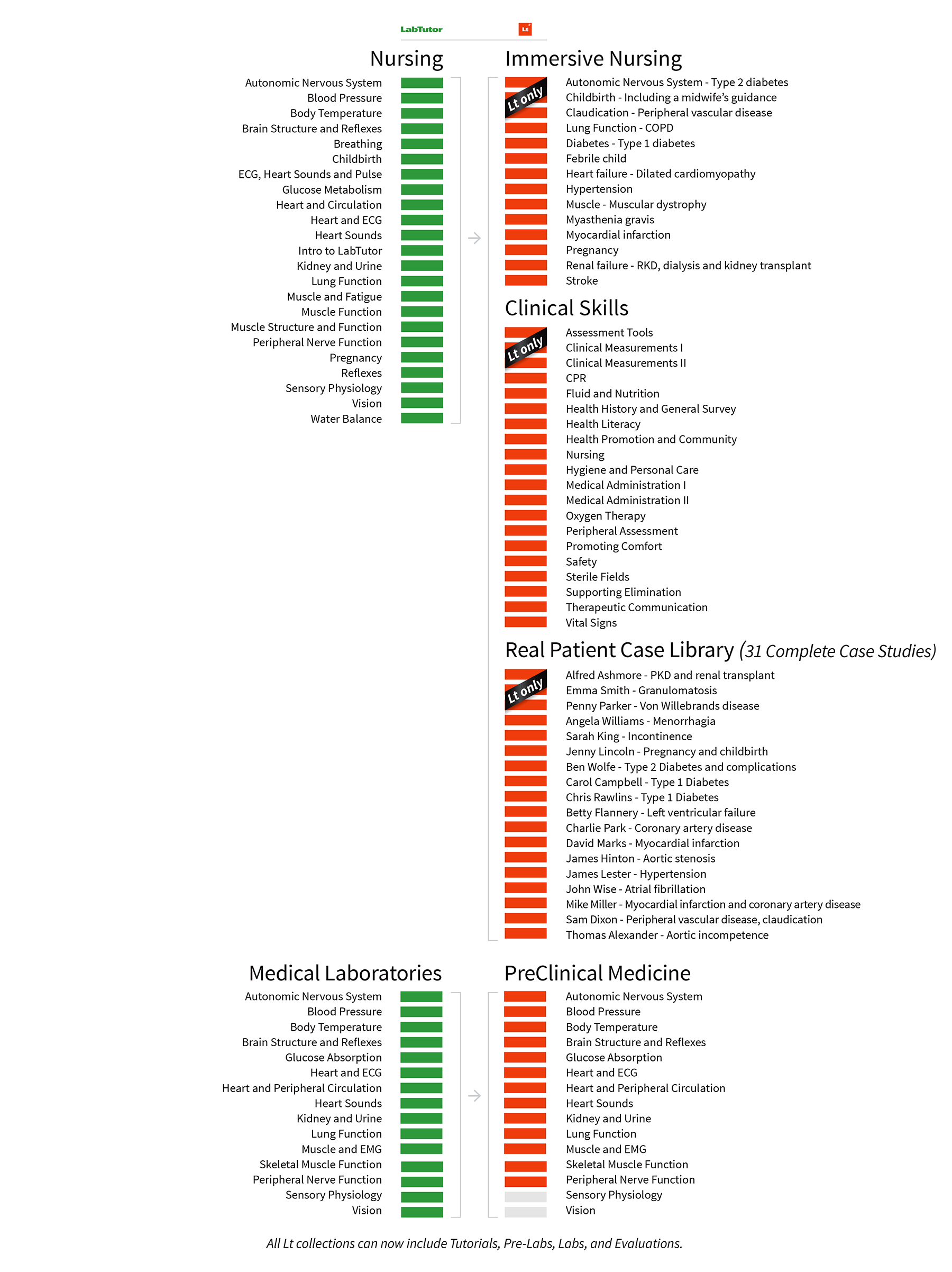
LabTutor and Lt Content Comparison
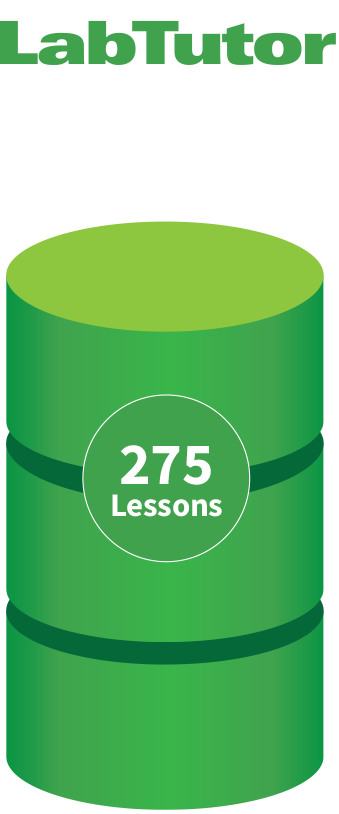
LabTutor content not updated since 2014
- PowerLab data acquisition
- Step-by-step lab instructions
- Save and resume
- Student accounts
- Course management
- Exportable reports
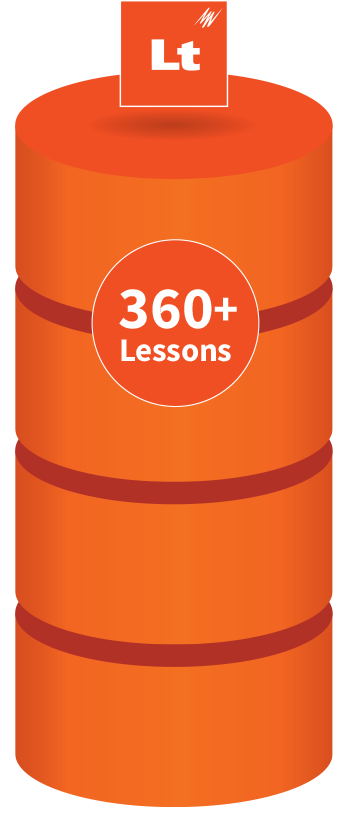
All Lt content is current and regularly updated
- PowerLab data acquisition
- Step-by-step lab instructions
- Save and resume
- Student accounts
- Course management
- Exportable reports
PLUS:
- New Anatomy Collection
- New 31 Case Real Patient Case Library
- Easy setup with minimal IT burden
- Simple lesson authoring and editing
- Multiple question types
- Analytics for course monitoring
- Regular automatic updates
- LMS Integration
- Instant feedback for students
- Student tablet and device support
Life Science Collections
Lt is the perfect solution for replacing LabTutor - complete with all of LabTutor’s content, (renamed in some cases) plus contains a whole lot more.
Lt’s Life Science Collections have been modernized to align with current pedagogical practices and refreshed with new images, questions, and layouts, ensuring your course content is engaging and up-to-date. With Lt, you have the added benefit of pre-labs which encourage students to think about core concepts before entering the classroom, ensuring that they come prepared and are getting the most out of their practical laboratories.
Lt’s improved lesson structure and interactive layout allow you to actively monitor student progress and understanding of key concepts with the addition of formative assessment and question grading.
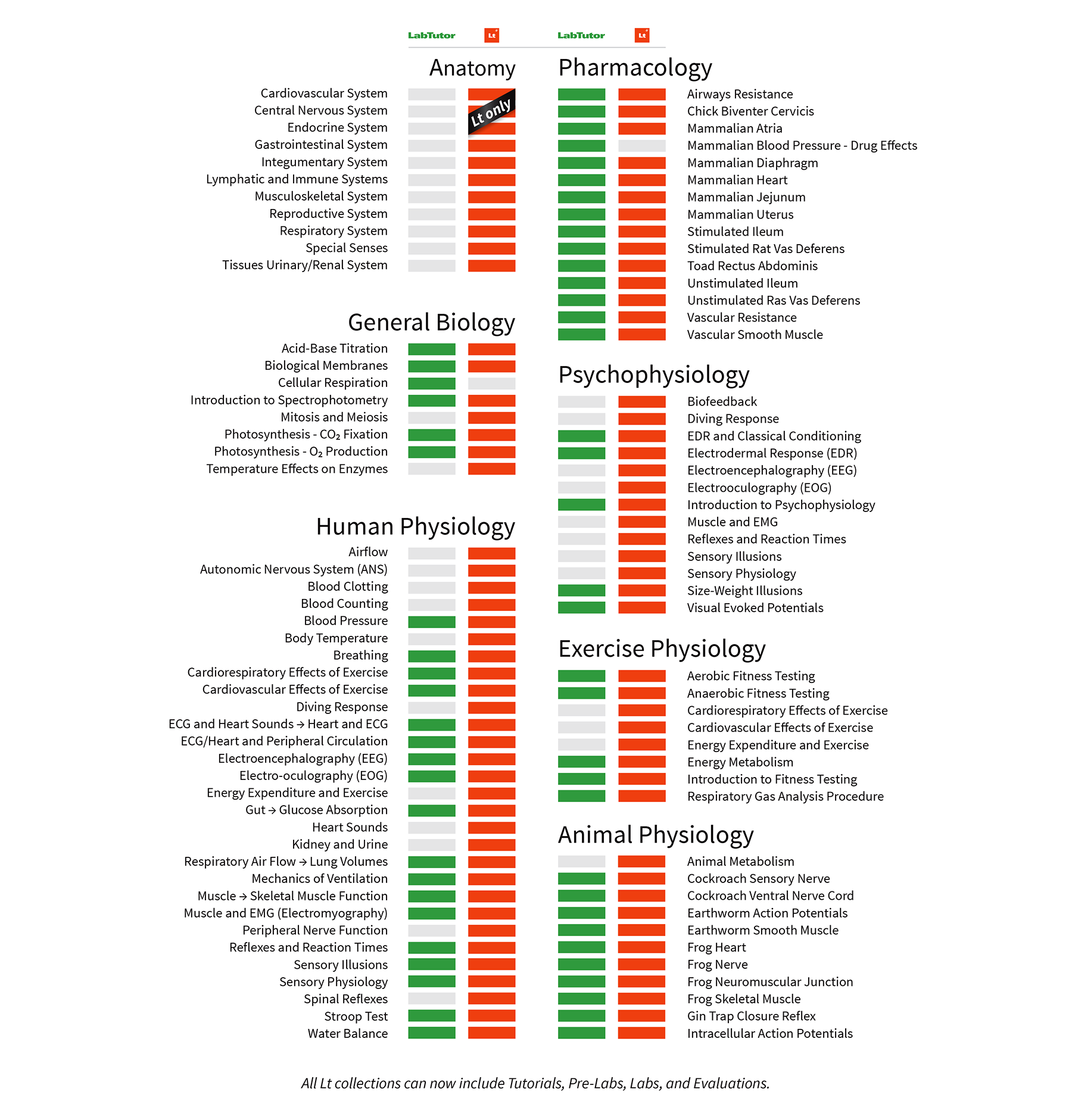
Clinical and Medical Collections
Prepare your students for the healthcare environment with Lt’s clinical and medical collections. Developed alongside medical and nursing educators, Lt’s clinical collections include over 30+ real patient case studies and medical staff interviews designed to bridge the gap between theory and practice, and provide clinically relevant learning experiences for nursing, medical, and pre-med students.