
Trusted for decades.
Built for the future.
The next evolution in data acquisition software — built for the future of physiology research.
What is LabChart?
One platform for every signal in your lab
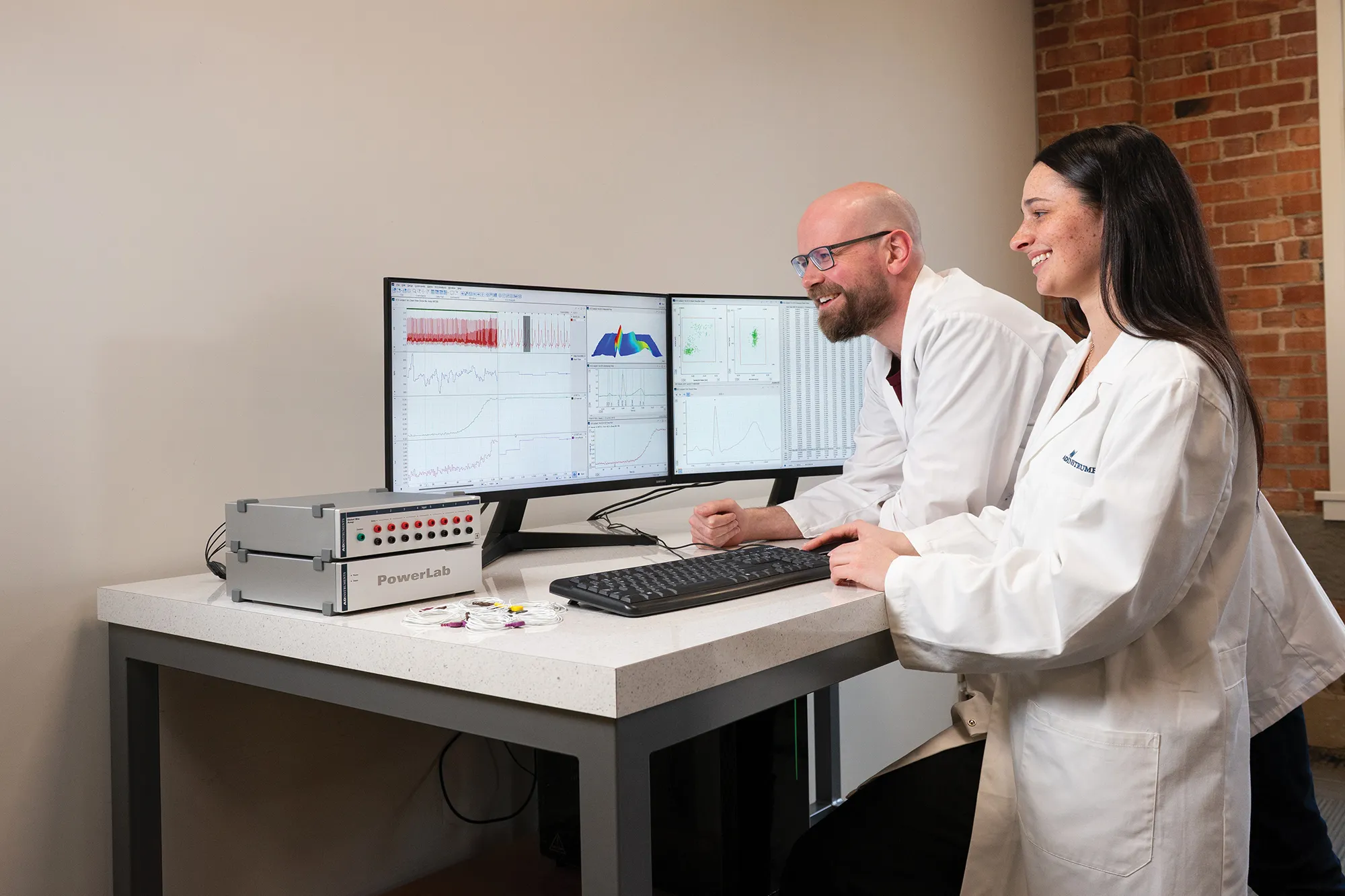
LabChart physiological data analysis software creates one platform for all of your recording devices to work together, allowing you to acquire biological signals from multiple sources simultaneously and apply advanced calculations and plots as your experiment unfolds.
LabChart sets the industry standard, meeting your research needs and continuing to develop for the needs of the future.
Why do researchers choose LabChart?
Simple to use
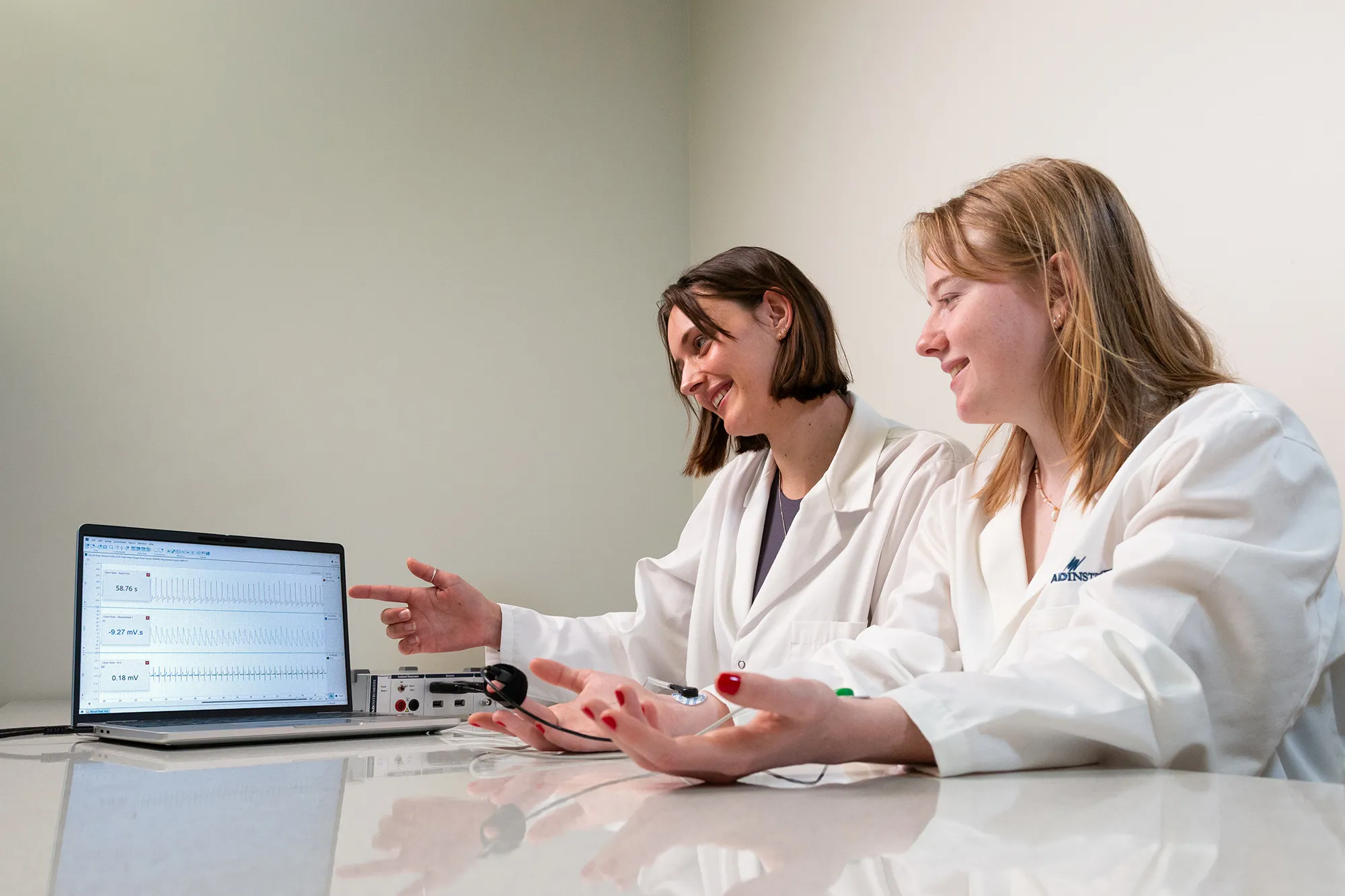
Get started at the click of a button. LabChart lets you do the basics quickly and easily. Add advanced features as you need them, without compromising on the sleek, easy-to-use basics you know and love.
Features
Software that streamlines your lab experience
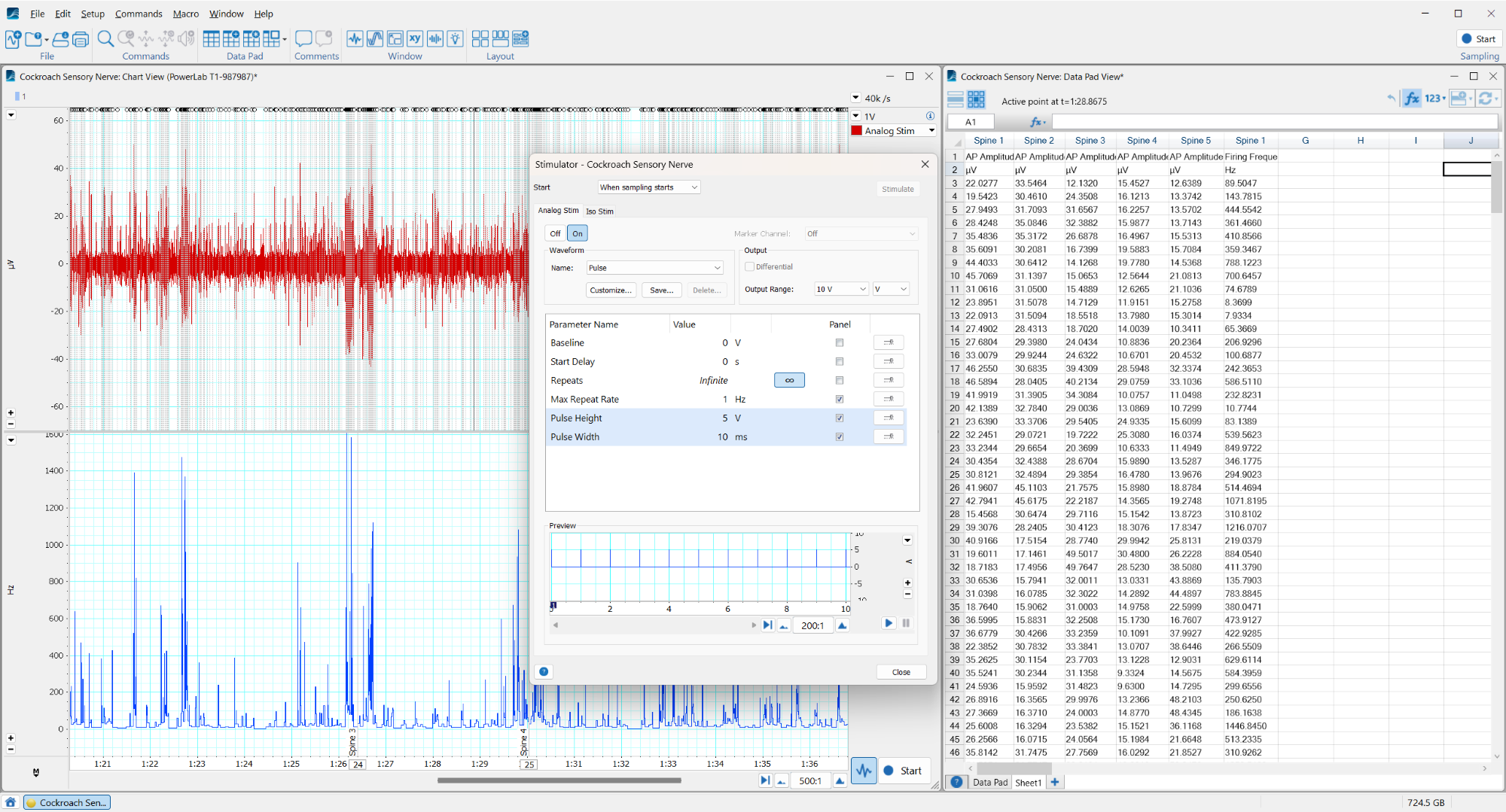
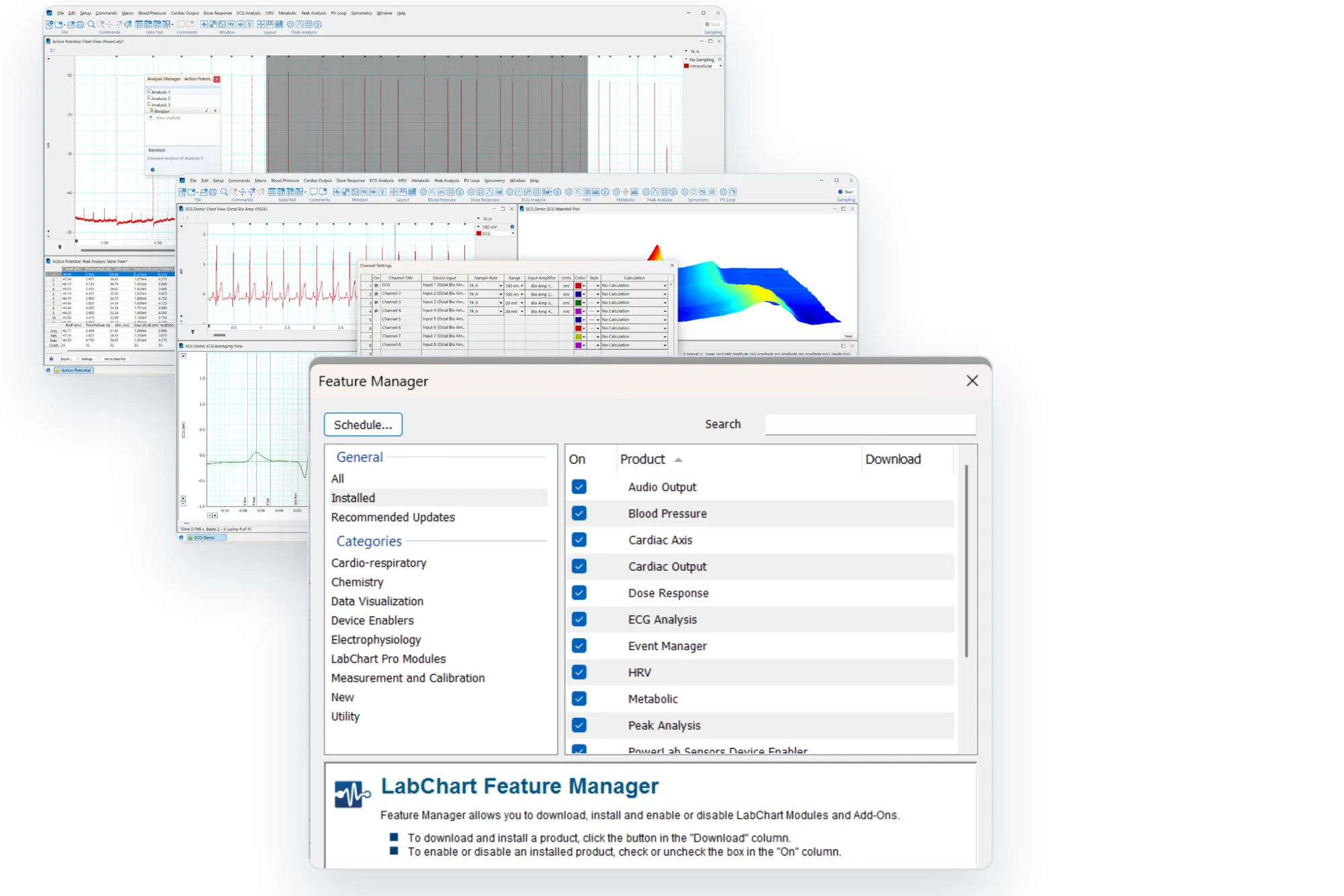
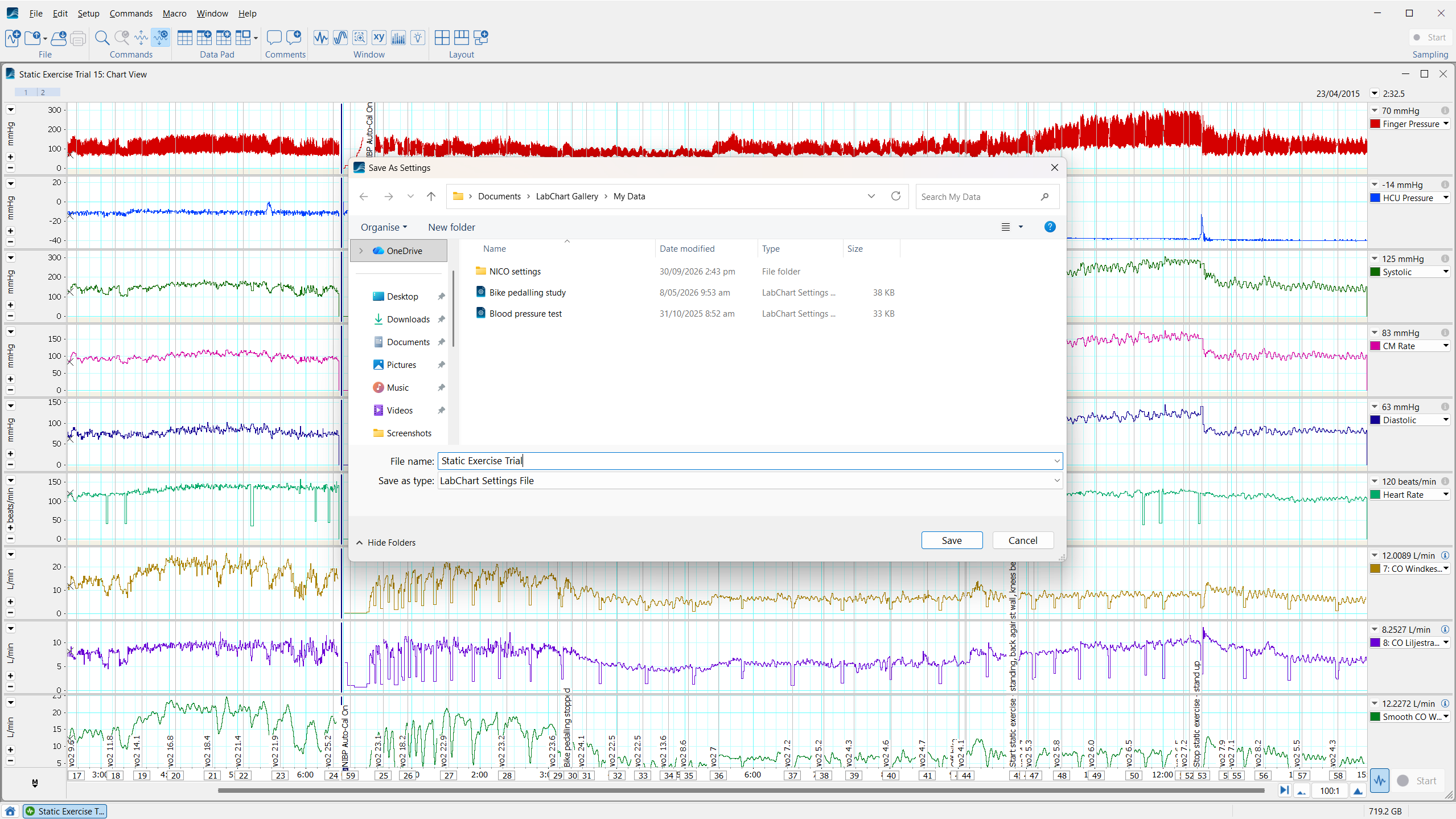
LabChart's in-built features support you to do research your way. Automate settings files, calculations, and macros, eliminating time-consuming set-up processes so that you can get started sooner.
Record your data with confidence and care, perform calculations without ever altering your raw data, and manage your research outputs the way you want to.
New in LabChart 9
LabChart 9 is the next evolution in data acquisition software.
All of the features we know and rely on, with an eye toward the future needs of physiology researchers.
Classic features
LabChart’s classic set of features and support have been honed over decades.
Manage your data your way, with tools and automations that help you to keep track of events and variables without interrupting your workflow.
Streamlining your experience
Set up your digital research environment ahead of time, with all the features you need and none of the ones you don’t. LabChart adapts to your needs, enabling you to streamline repetitive or complex tasks.
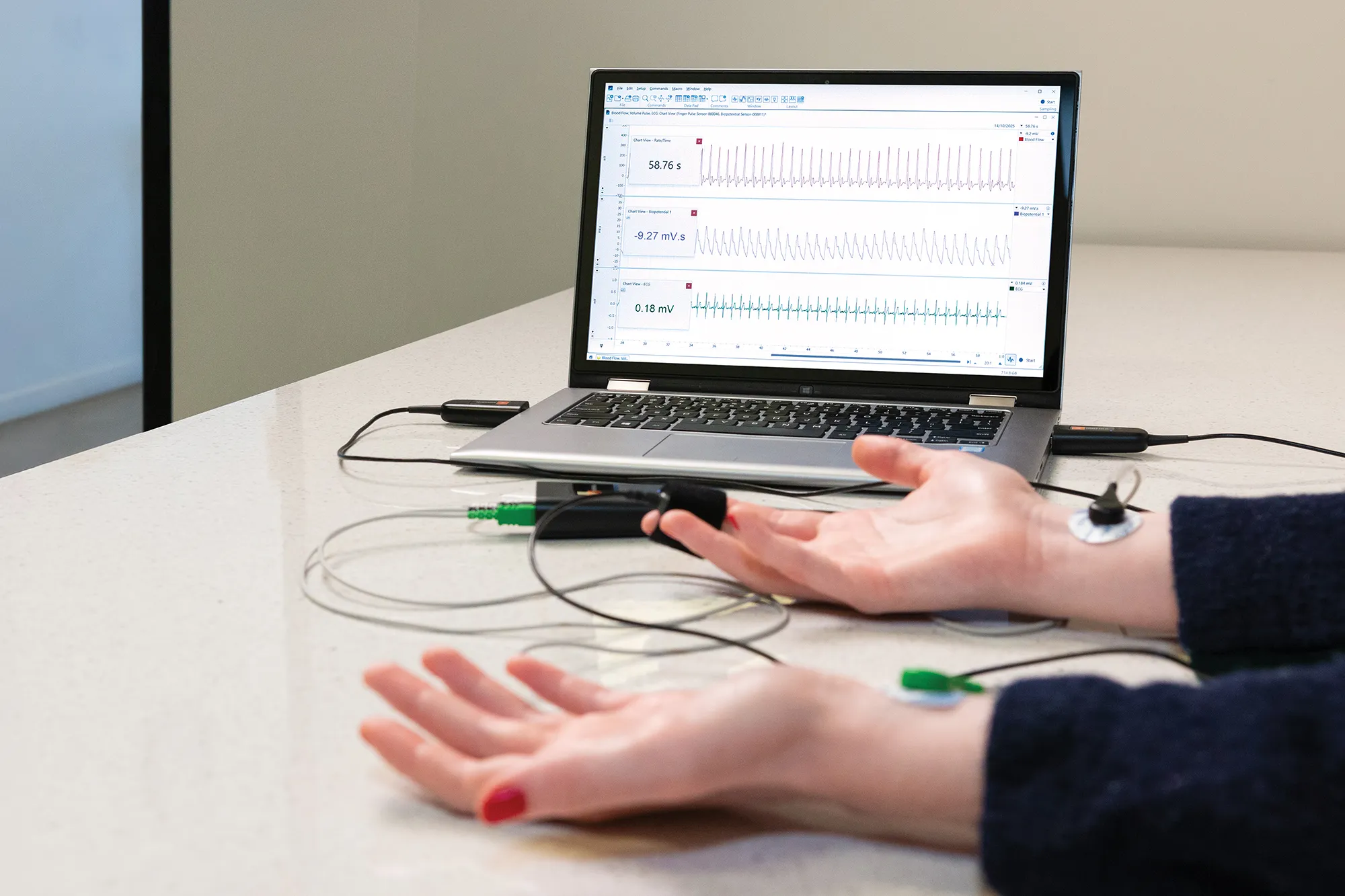
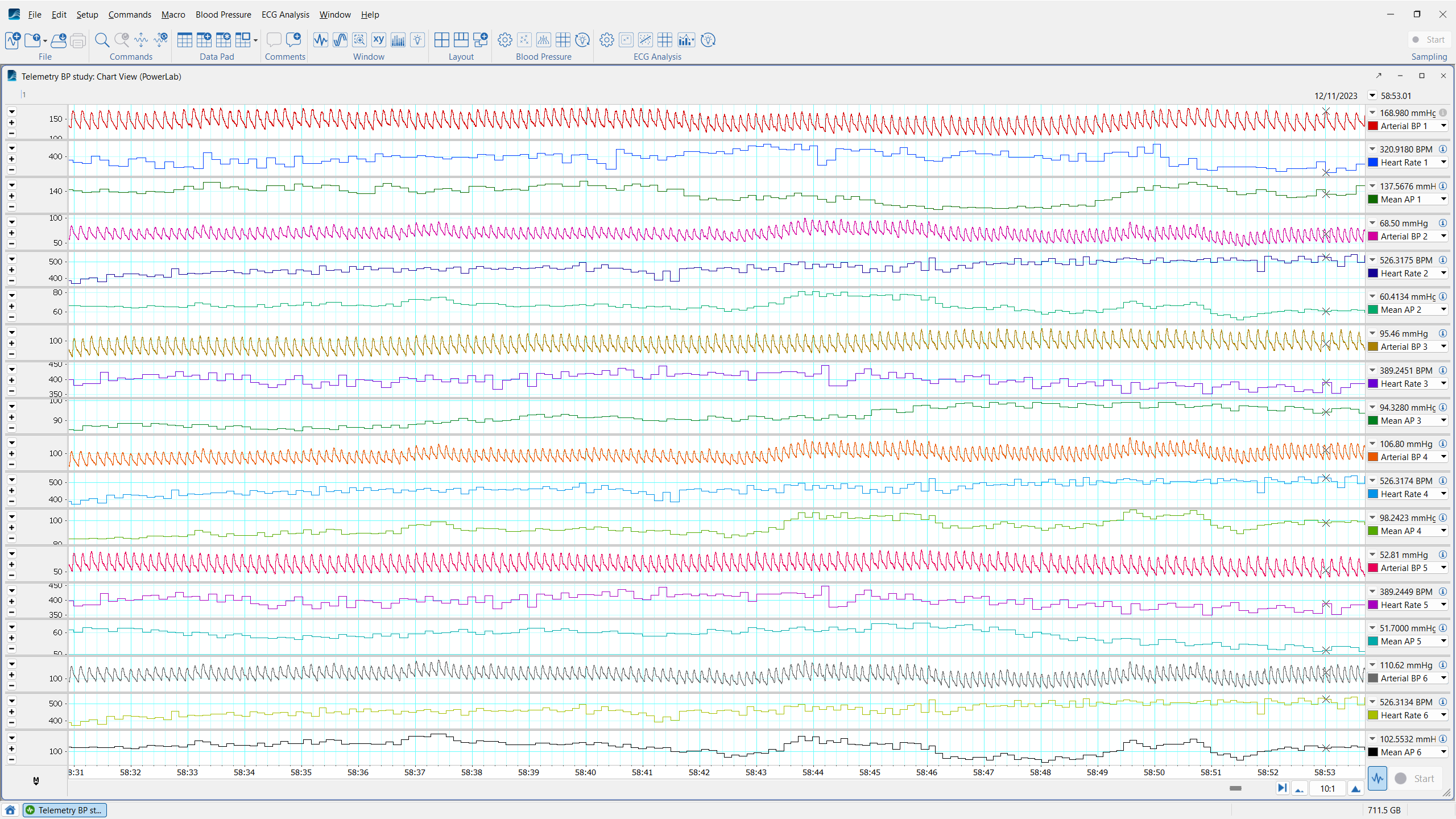
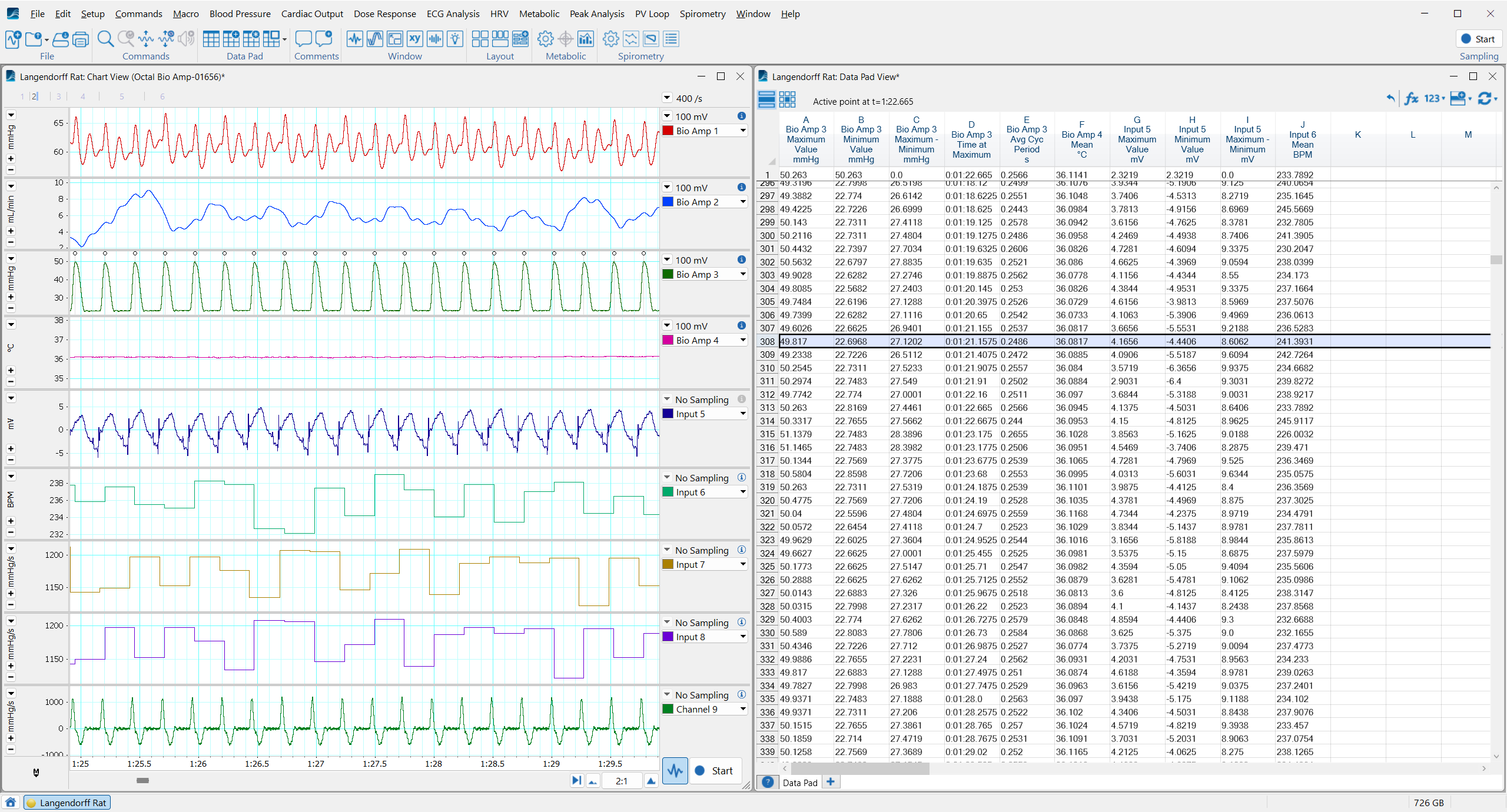
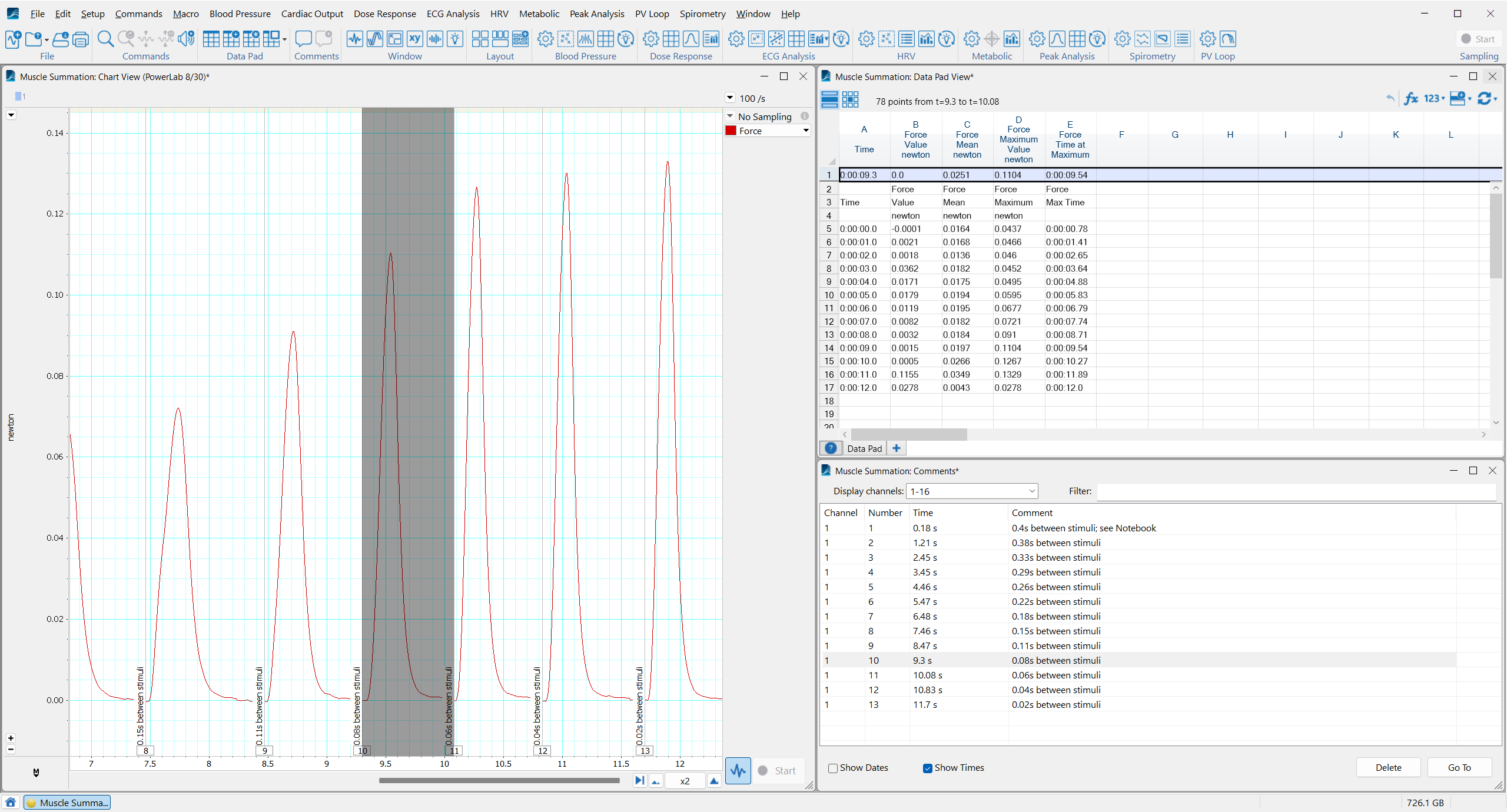
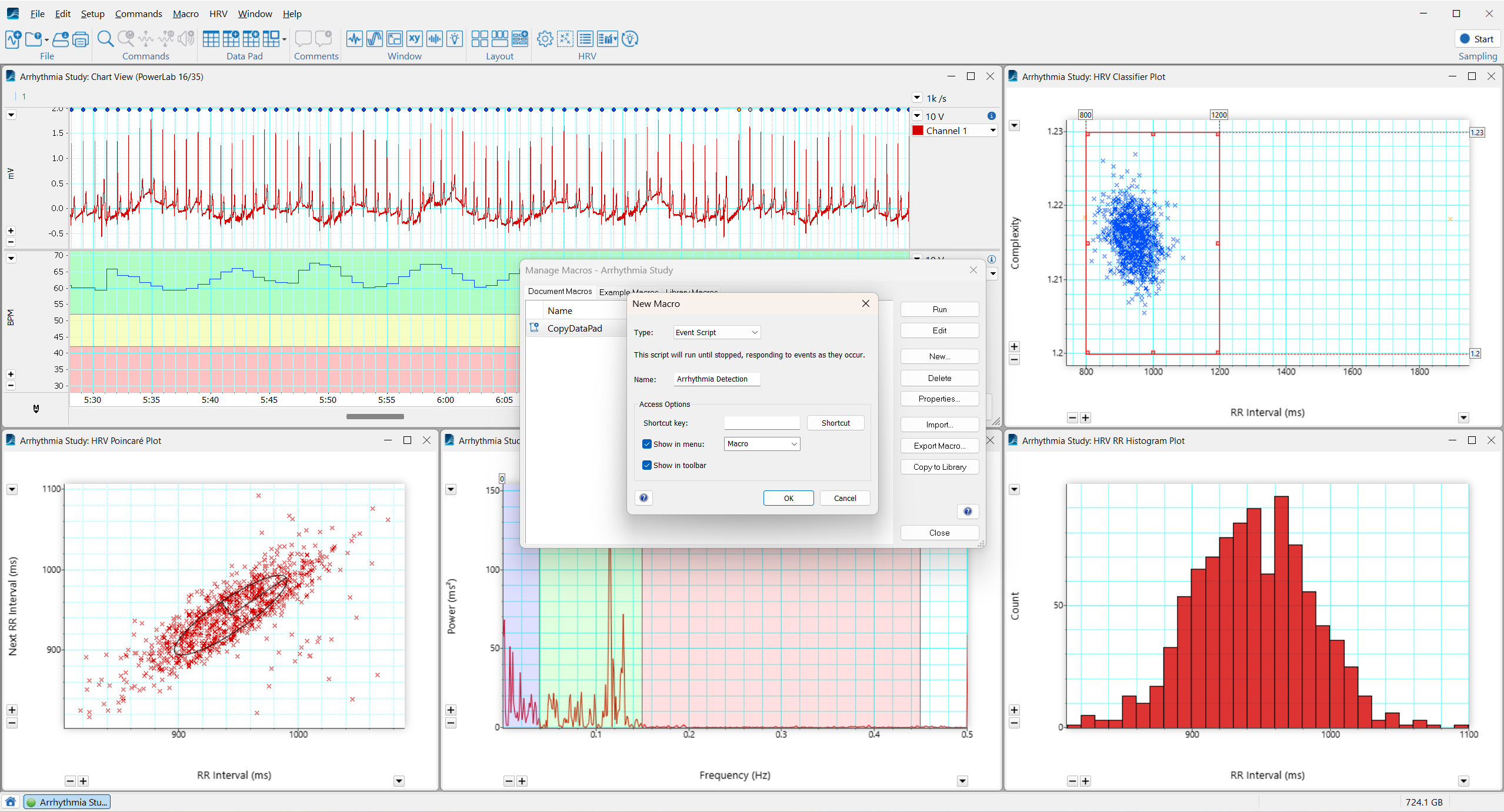
LabChart for Research
The data acquisition software built for modern research needs
Security and integrity
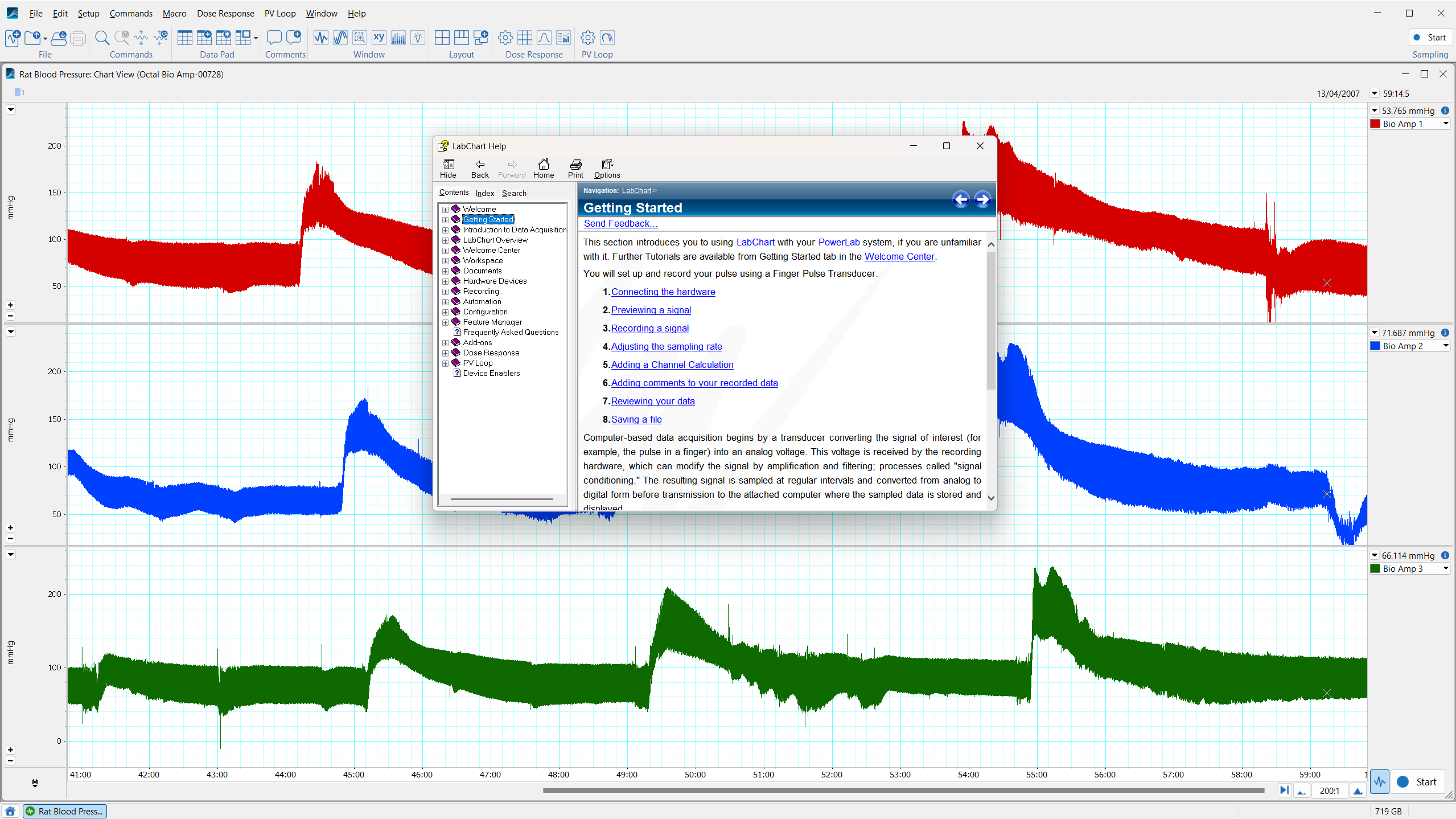
Record physiological signals, perform calculations, and adjust channels without impacting your raw data. LabChart gives you the confidence to try new things. With updated 64-bit architecture, LabChart 9 is data acquisition lab software built for heavy use, large files, and long recording sessions. LabChart keeps your raw data clean, secure, and stable so you can access it whenever and however you need.
I like the fact that you can store all your data electronically. There is no need to create an auditing trail, because this is automatic. You can't remove bits of information. What is really interesting is that you can really go into the detail of the actual blood pressure trace and perform complex analyses very quickly. You simply export data into a standard template in Excel and have all your answers in seconds. Very smart.
Dr. Kengatharan
President & COO, Armetheon, Inc.
Streamlined workflows
Accurate, time sensitive, synchronized data collection you can rely on. When there is no room for error, LabChart ensures none can be introduced. Follow guided steps to set-up and perform complex protocols, with confidence that LabChart will support you, and your data, from beginning to end of recording.
Of most importance was the fact that all data was recorded on a time-aligned beat-by-beat basis - this is vital for the calculation of transfer function analysis based on the relationship between cerebral blood flow and blood pressure.
Professor Ainslie
Canada Research Chair, Cerebrovascular Physiology
Diverse applications
Science isn't just one thing. It isn't isolated to the lab, or confined to a particular method. With a wide range of data acquisition and analysis features, we are continuing to build a broader platform of scientific tools. LabChart is designed to support your research, and grow alongside it; wherever your curiosity takes you.
...the synchronized video is really a complete solution, taking swimming technique analysis to the next level. We have traveled with this equipment [LabChart & PowerLab] quite literally all over the world and presented at national and international symposiums.
Budd Termin
Swimming Coach, TeamTermin
A comprehensive research environment
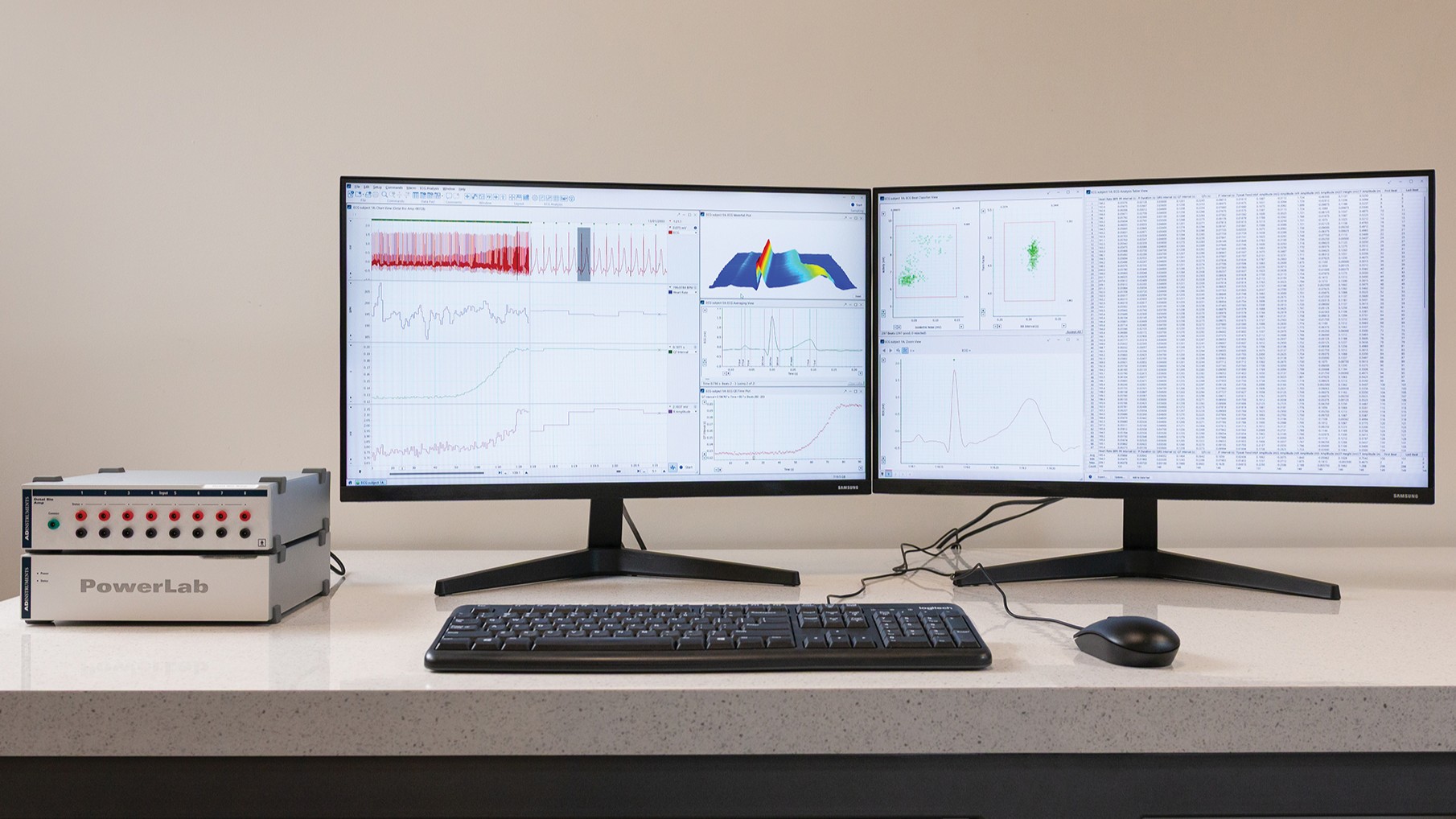
Combining the strengths of our world-class data acquisition hardware and software provides a solid foundation for physiological research. By making LabChart 9 available as a stand-alone product, and as part of a hardware bundle, we aim to ensure your research funding goes further. With our high-quality, purpose-built software and hardware packages we support your research to go further.
I wanted the flexibility to be able to add more sensors, Respitrace and ECG, for example, for measures I could easily incorporate. I'm not an engineer, but ADInstruments has allowed me to really tap into ease-of-use, connecting these sensors and different technologies into the system.
Associate Professor Emily Zimmerman
Developmental Speech Physiologist, Northeastern University
LabChart for Education
Support your students to turn physiological theory into recorded reality.
LabChart Labs
To save you valuable time in creating course materials, we have developed a number of teaching resources for human physiology, animal physiology, general biology and psychophysiology. Each experiment comes with a large range of teaching materials including instructor notes, student protocols, and settings files.
Educational hardware
PowerLab Sensors integrate seamlessly with LabChart, creating a complete active learning platform that boosts student engagement and understanding. Develop student research skills with laboratory sensors built for learning.
Student licenses
A LabChart Pro Student license allows you to install and use LabChart Pro software on a single computer for educational purposes only. Students can perform LabChart experiments and record data in the lab, then take their LabChart data files (.adicht) home to complete their analysis and lab report.
Add-Ons
Extend LabChart with specialised analysis modules, free extensions, and device enablers.
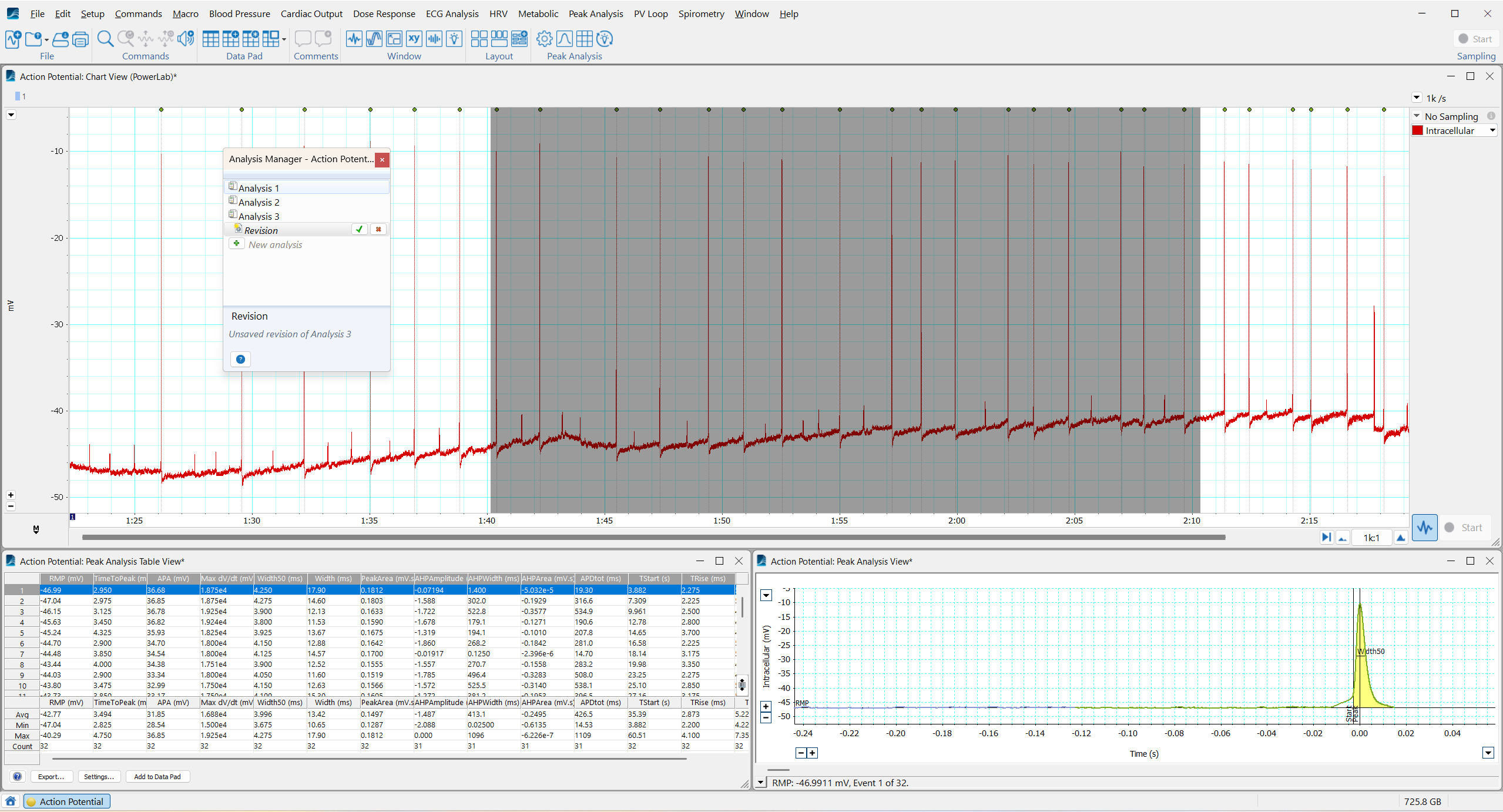
Specialized upgrades that streamline intensive workflows and enable application-specific calculations and visualizations.
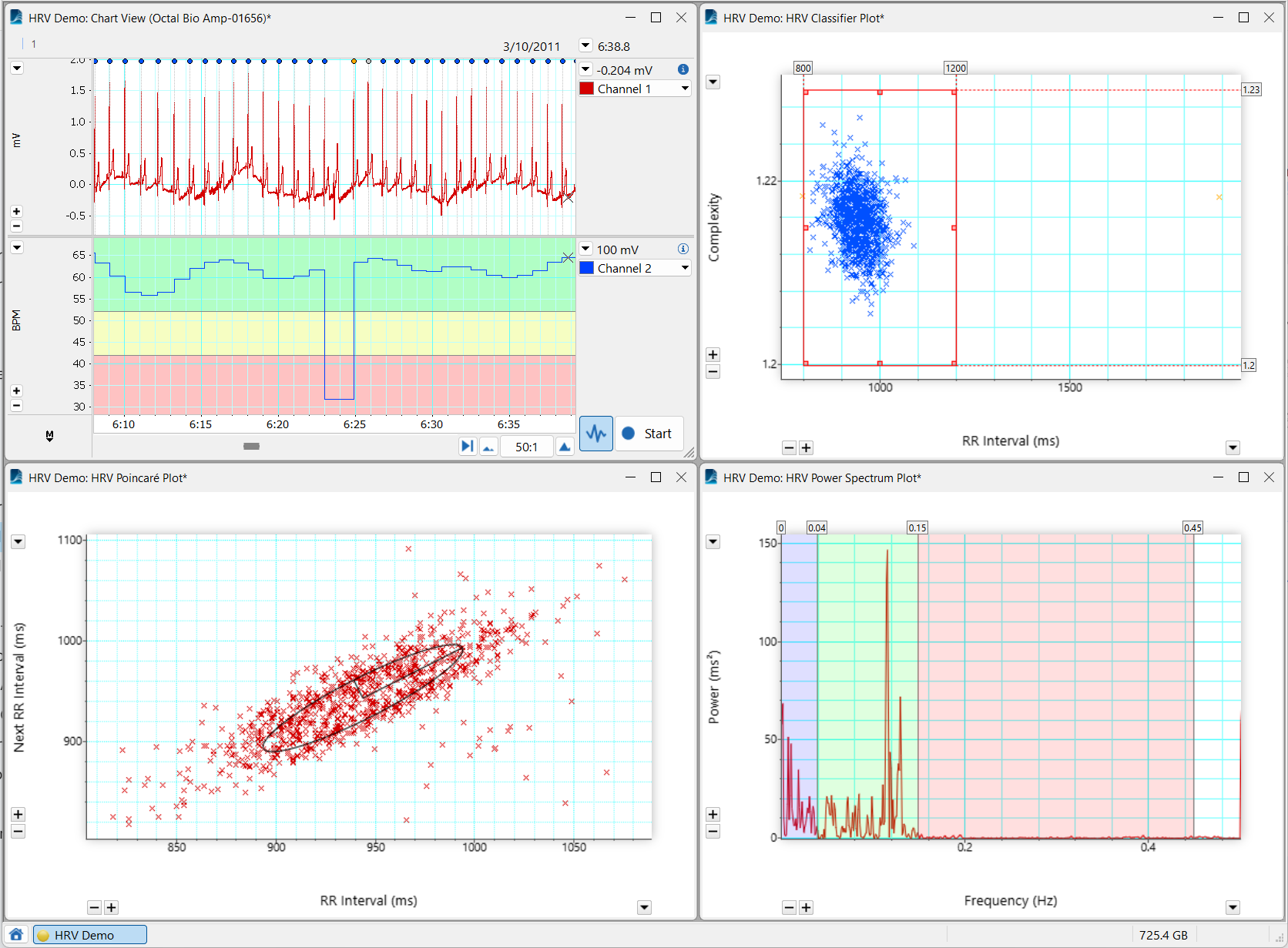
HRV
The Heart Rate Variability (HRV) Module for LabChart analyzes beat-to-beat interval variation in ECG recordings or arterial pulse signals.
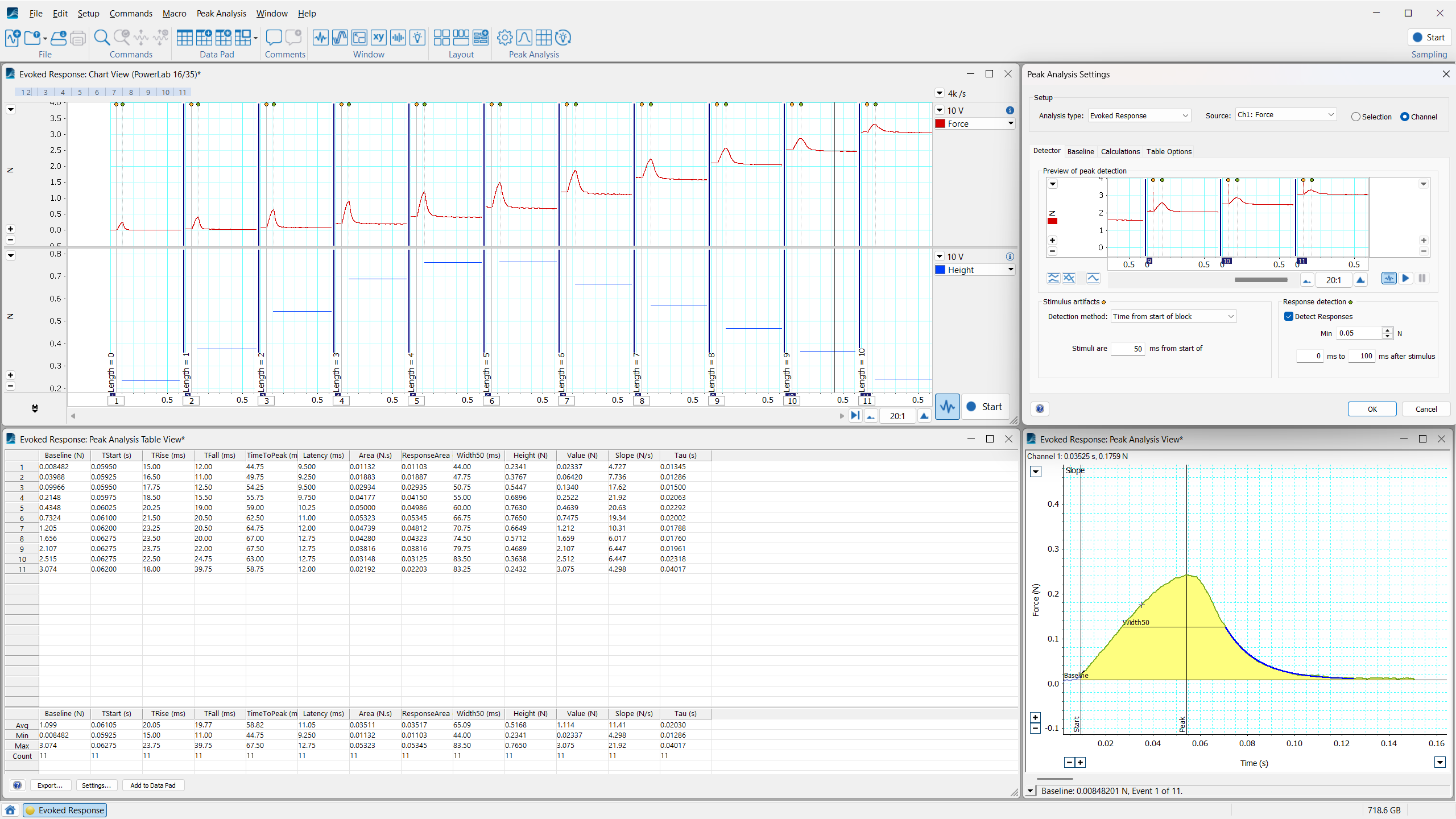
ECG Analysis
Professional ECG analysis software that automatically detects and reports PQRST onset, amplitude, and intervals in real time, or after recording.
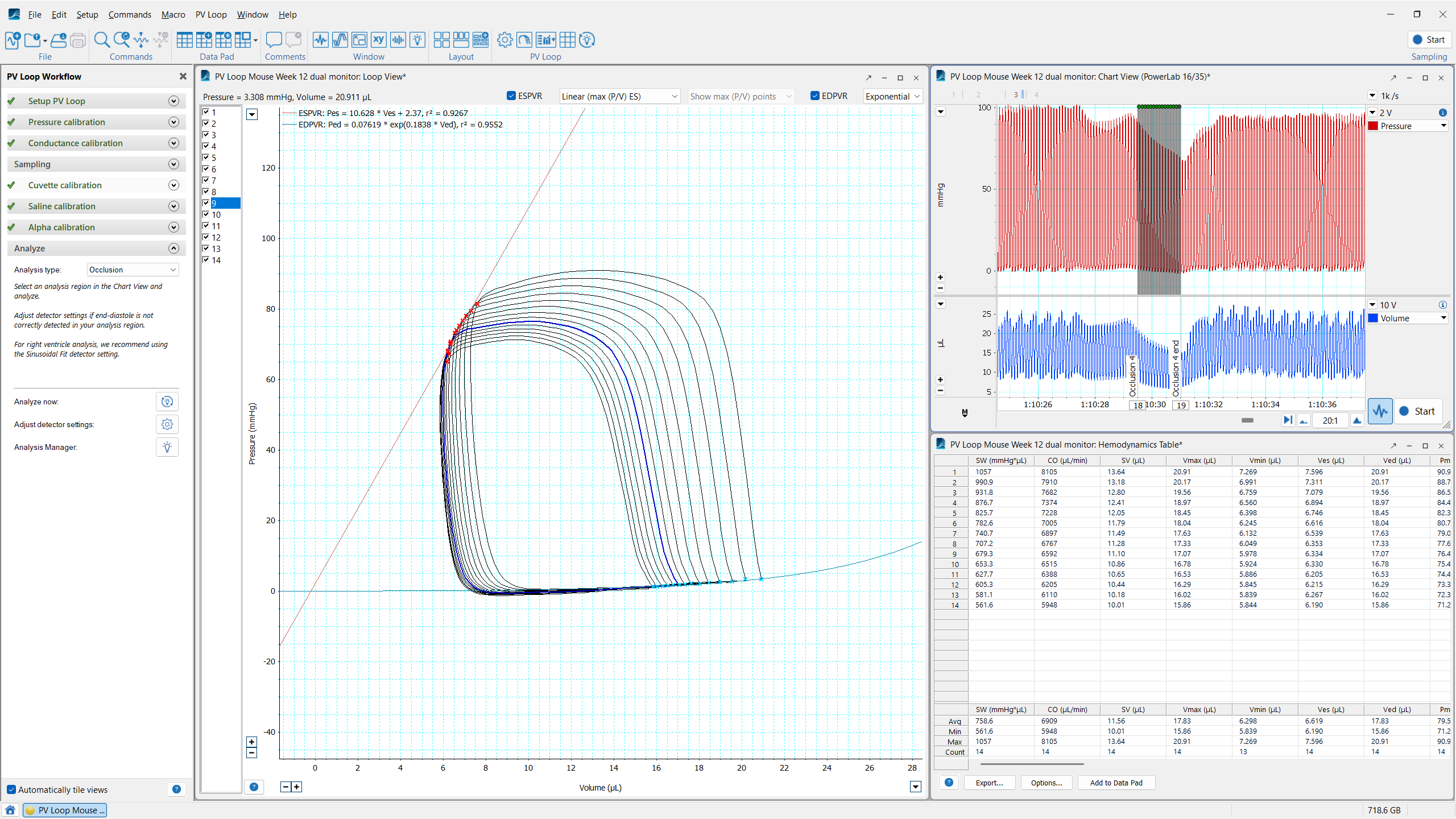
PV Loop
Analysis of in vivo ventricular pressure-volume data in small and large animals, or ex vivo, using working heart systems.
Free additions you can download at any time to expand your suite of data collection and analysis tools.


Event Manager
Monitors incoming signals, detects user-defined events, and performs associated user-defined actions.

Free downloads that let your new hardware stream data straight into LabChart.


Equivital Bluetooth Dongle
A Bluetooth 2.1 class 1 dongle that lets a PC wirelessly receive data from up to 2 Equivital SEMs.

New hardware, compatible with LabChart 9
LabChart 9 is the foundation for our new generation of data acquisition hardware. Keep up with the pace of progress, with LabChart 9.
PowerLab C
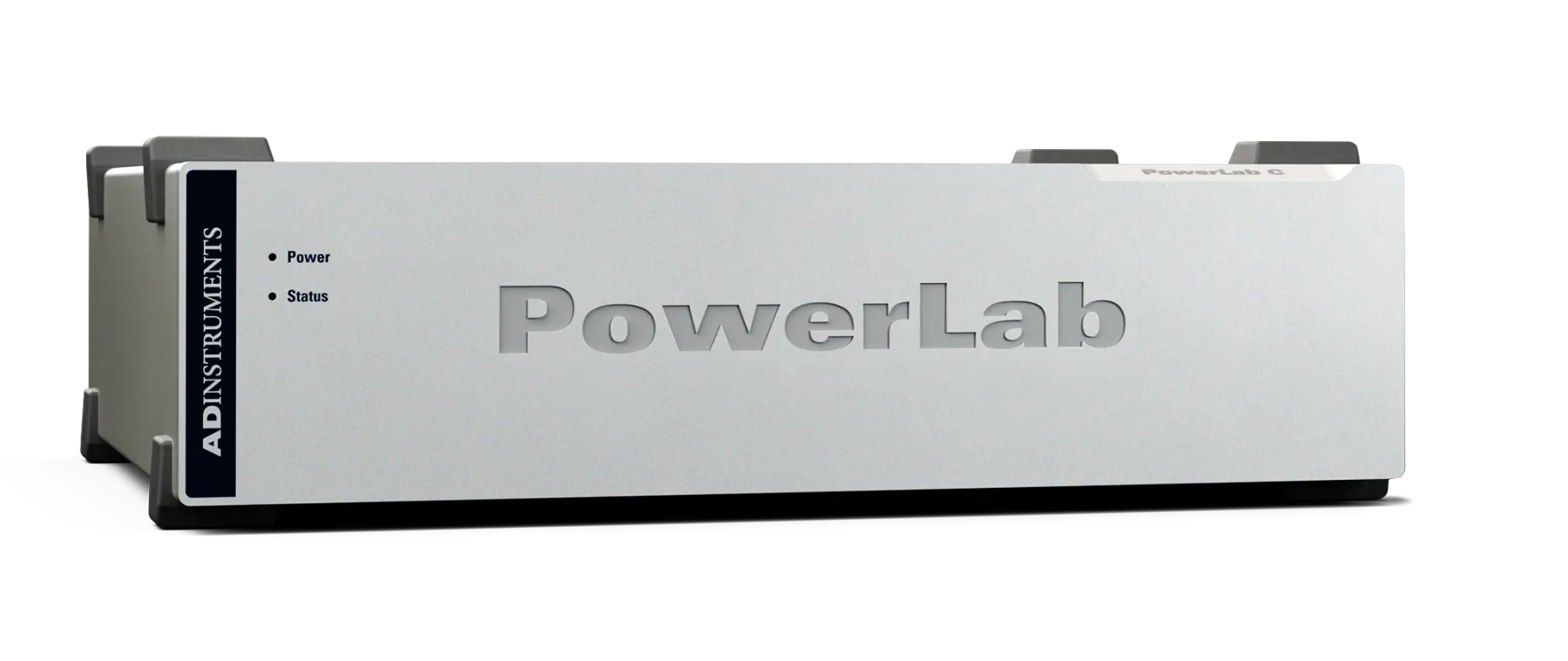
Data acquisition hardware, re-engineered for unparalleled flexibility. The PowerLab C and C Series range of data acquisition devices are designed for modern physiology research. As the line continues to grow, C Series devices will be optimized for use with LabChart 9.
PowerLab T1
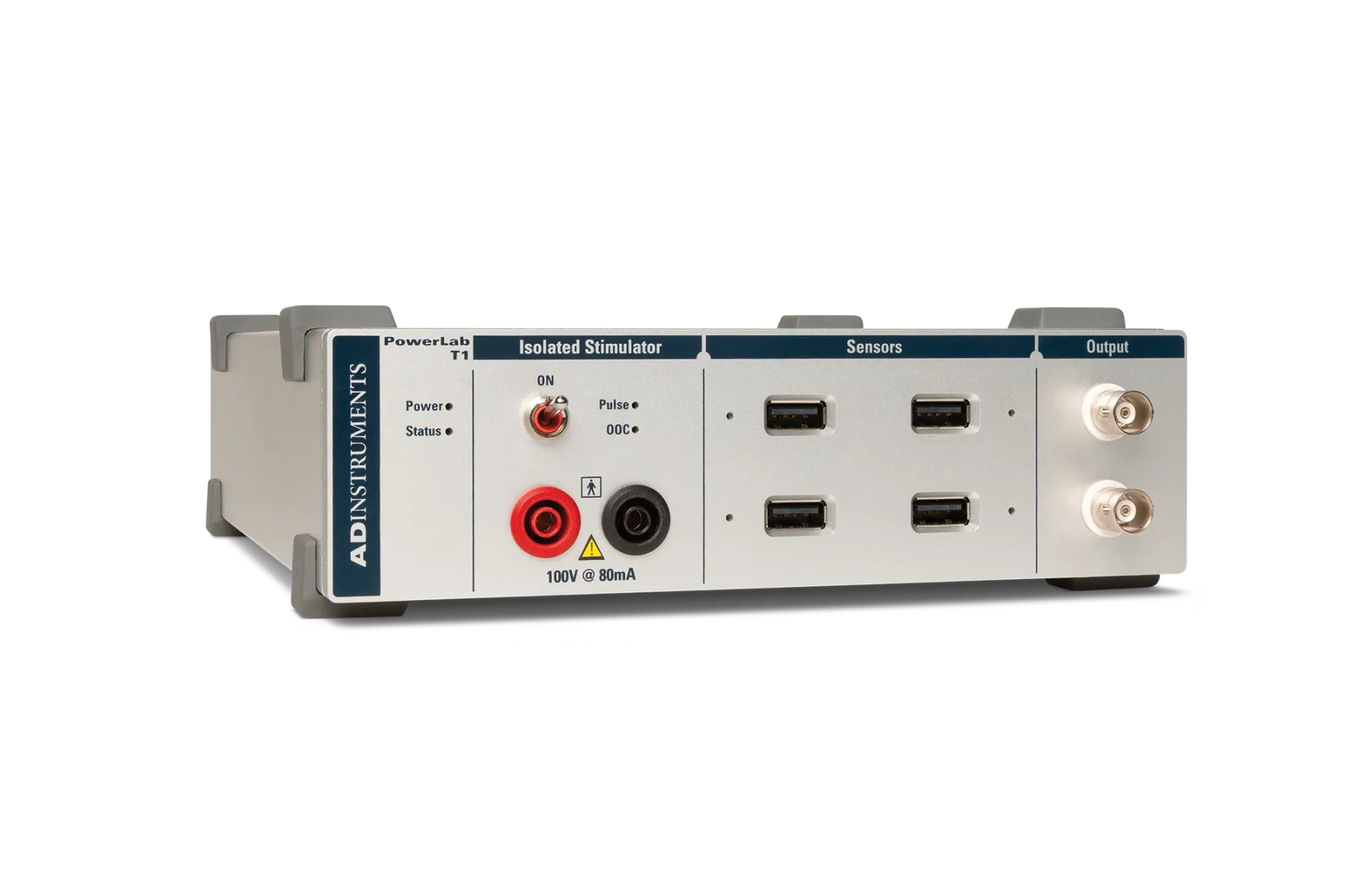
The T1 is the foundation of your in-lab sensor system, enabling you to synchronize the signals acquired by multiple sensors with high precision, expand or contract a single set-up without effort, and perform human-safe electrical stimulation. Compatible with LabChart 9.
PowerLab Sensors
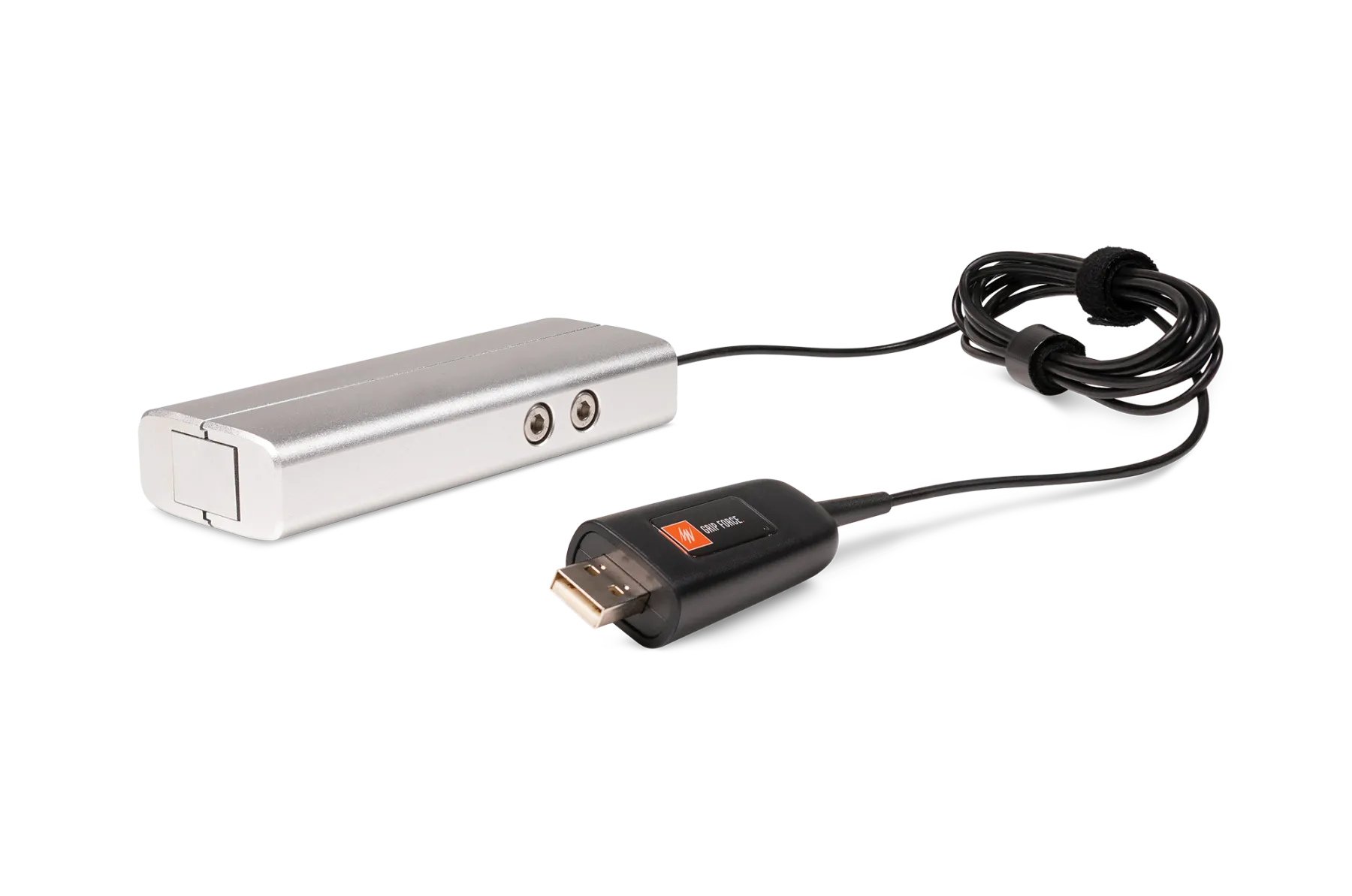
The next generation of education hardware. PowerLab Sensors are our complete range of hardwearing, ergonomically designed physiological sensors that make learning new lab skills simple. Just plug them in and start recording. Compatible with LabChart 9.
Using older device enablers or extensions? Most are still compatible with LabChart 9. Explore PowerLab hardware →
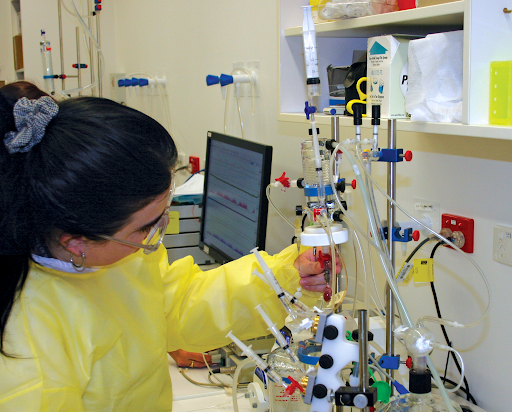
Training & Support
Continuous support, with training when you need it
Our experts will provide one-on-one assistance to support you in using LabChart to achieve your research and educational goals. Our hands-on, practical training courses are run by experienced scientists with extensive product knowledge and are available for users of all abilities and experience.