

You can use the Default Preset Settings with any ADInstruments smart transducer to record various biological variables.
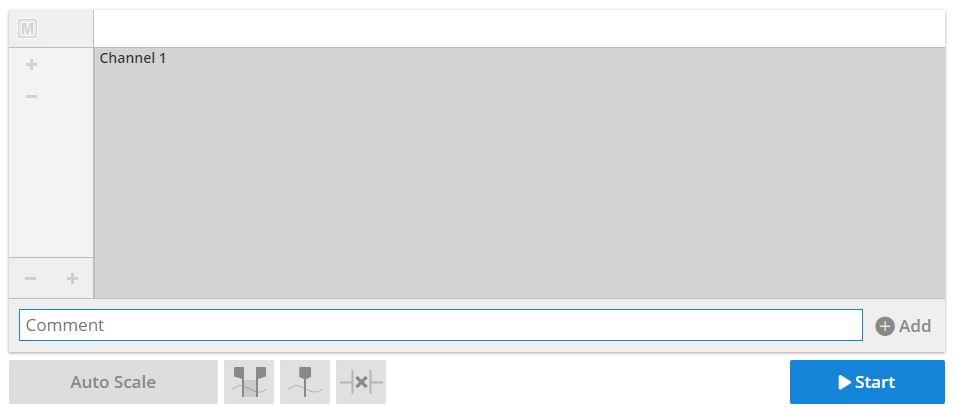
Fig. 1: Default Preset Settings for Data Sampling Panel
Exercises You Can Perform with These Settings
- Record Your Pulse: Connect a finger pulse transducer to Channel 1 of the PowerLab.
- Test Hand Grip Strength and Stamina: Connect a Grip Force transducer to Channel 1 of the PowerLab.
Below are instructions you can provide to students for setting up the equipment:
Equipment Setup Procedure
- Connect your transducer to Channel 1 of the PowerLab.
- Ensure that the PowerLab is powered on.