
Resources for Lt
Lt is a state-of-the-art educational learning platform, with over 900 interactive and fully-customizable lessons for life science, nursing, and medicine.
Streamline course creation by customizing our ready-made lessons, with high-quality content, images, and experiments designed to support your teaching style.
A community of educators - Learning together
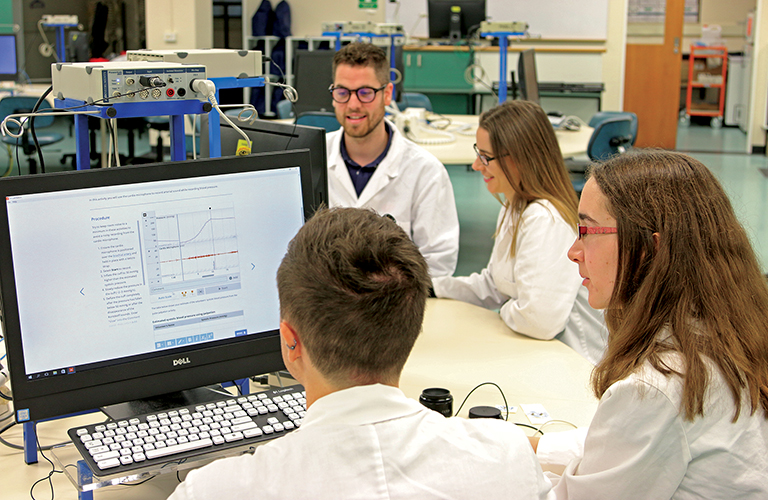
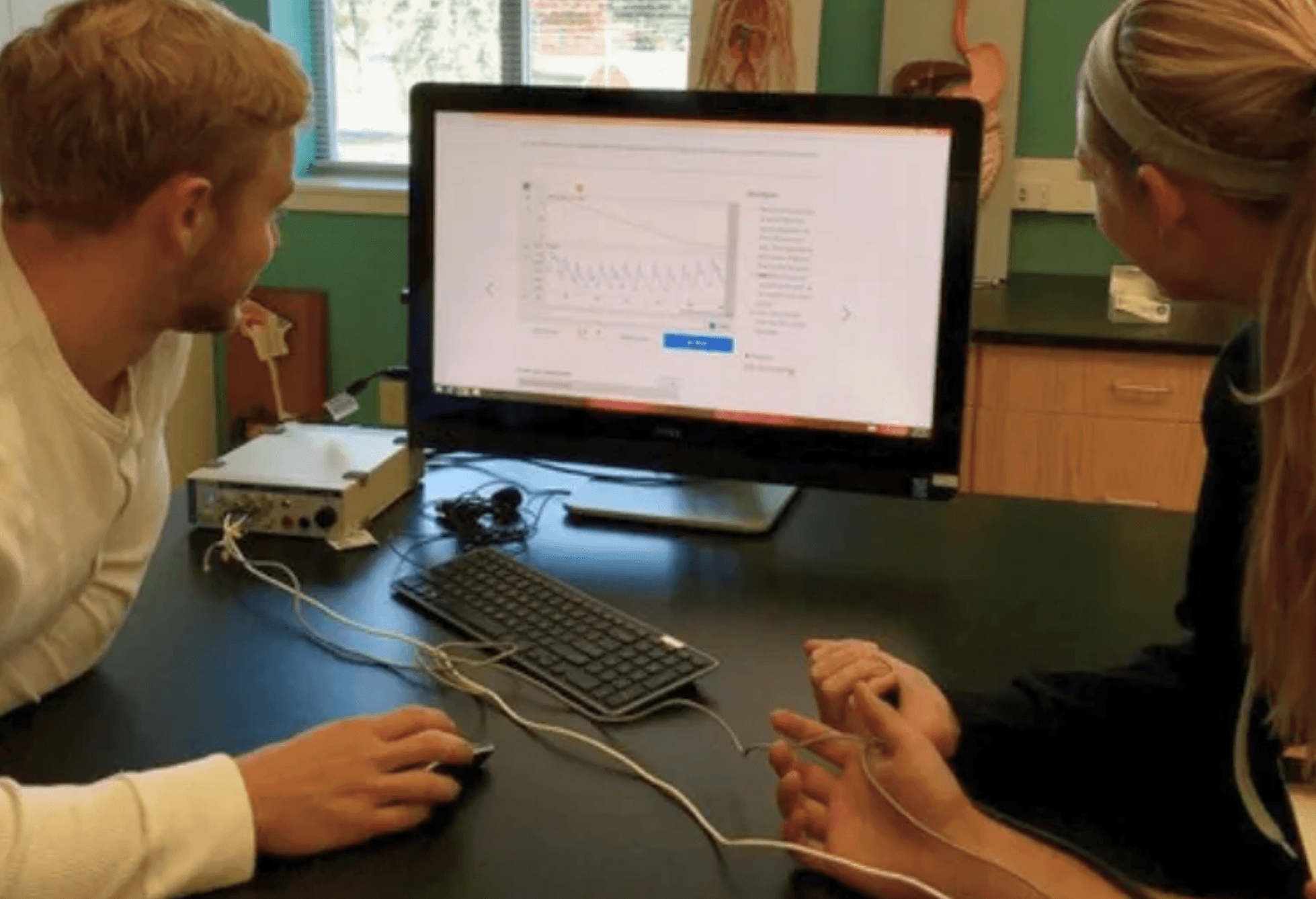
Learning is an endless journey, full of adaptation and refinement. As students and technologies change, so too do our teaching needs and styles. Here we highlight some of the experiences of educators and students using Lt; what has worked, what has changed, and what they've learned in the process.












Your Lt journey
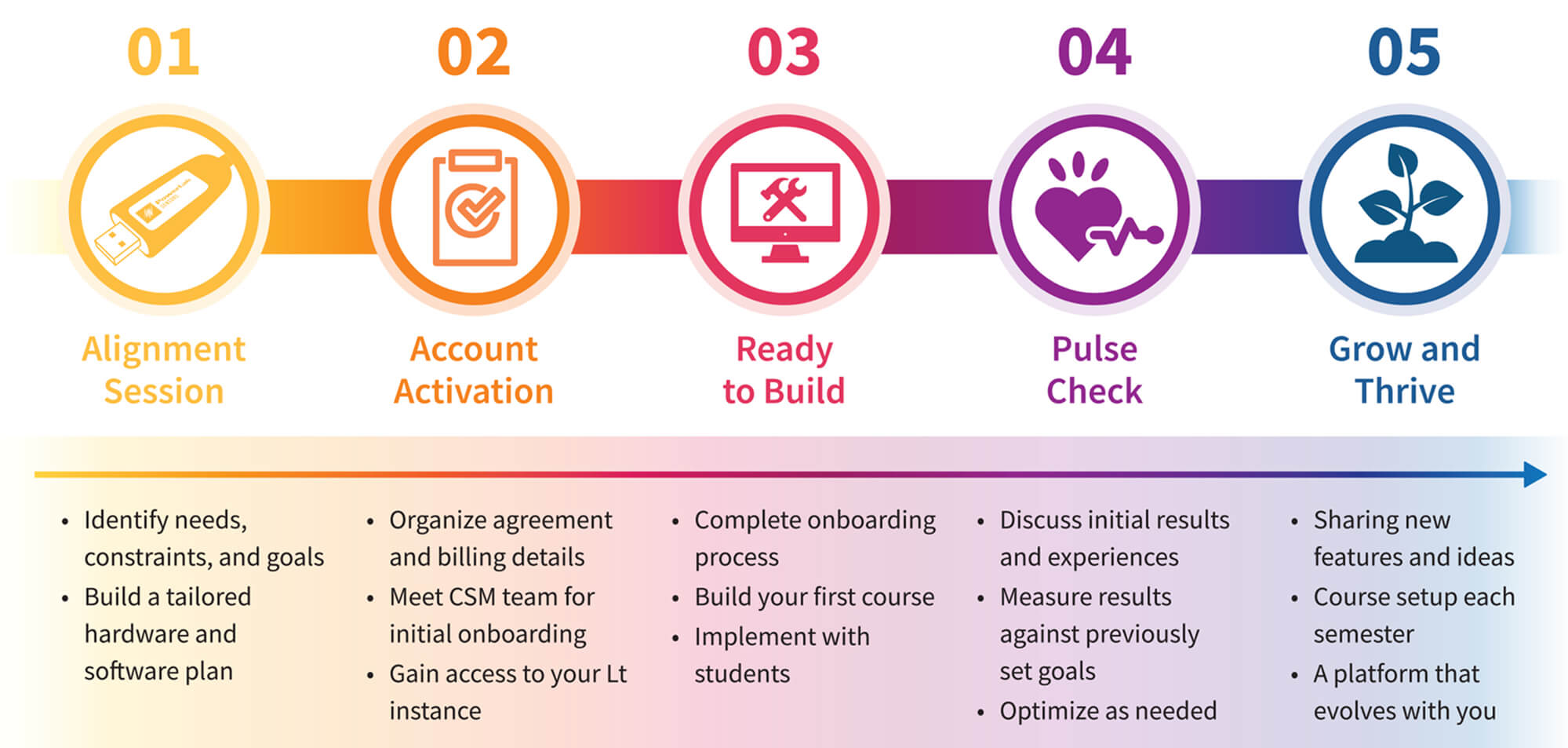
From your first conversation to ongoing support — your dedicated Sales Representative and Customer Success Manager are with you at every stage.
Sales Representative
Your Sales Representative is your first point of contact. They will run your initial Alignment Session and work closely with your CSM to set you up for success.
Customer Success Manager
Your Customer Success Manager is your dedicated contact for all Lt-related matters — from Account Activation through to subscription renewals and ongoing support.




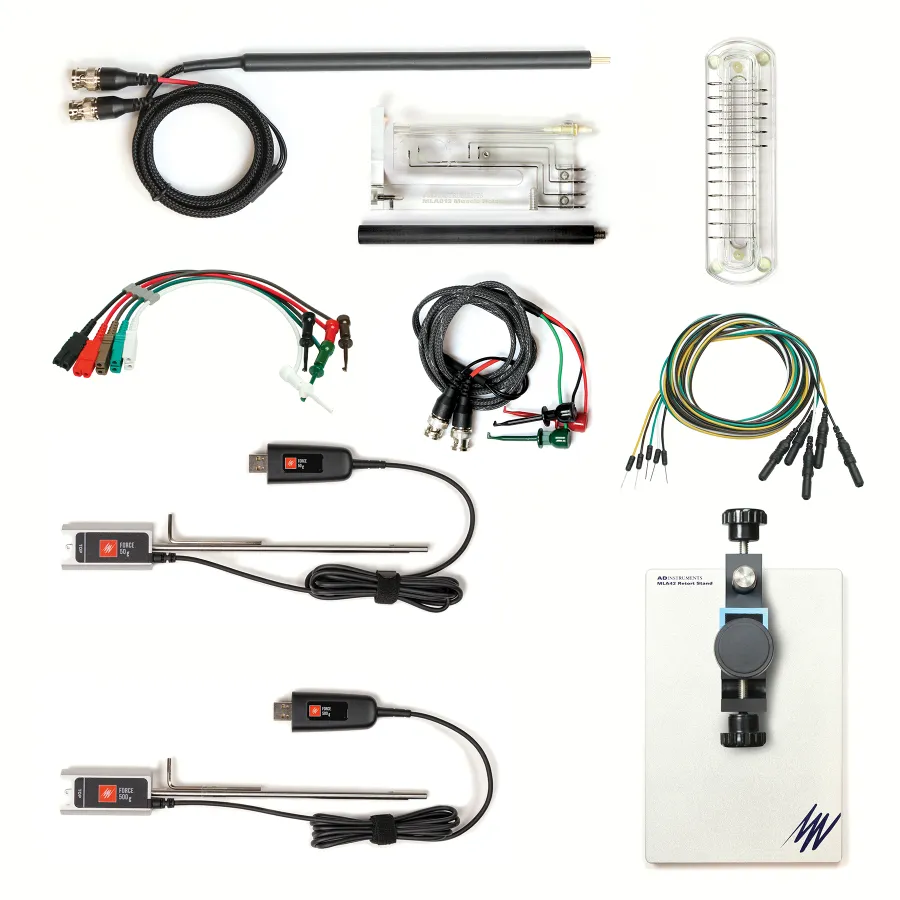
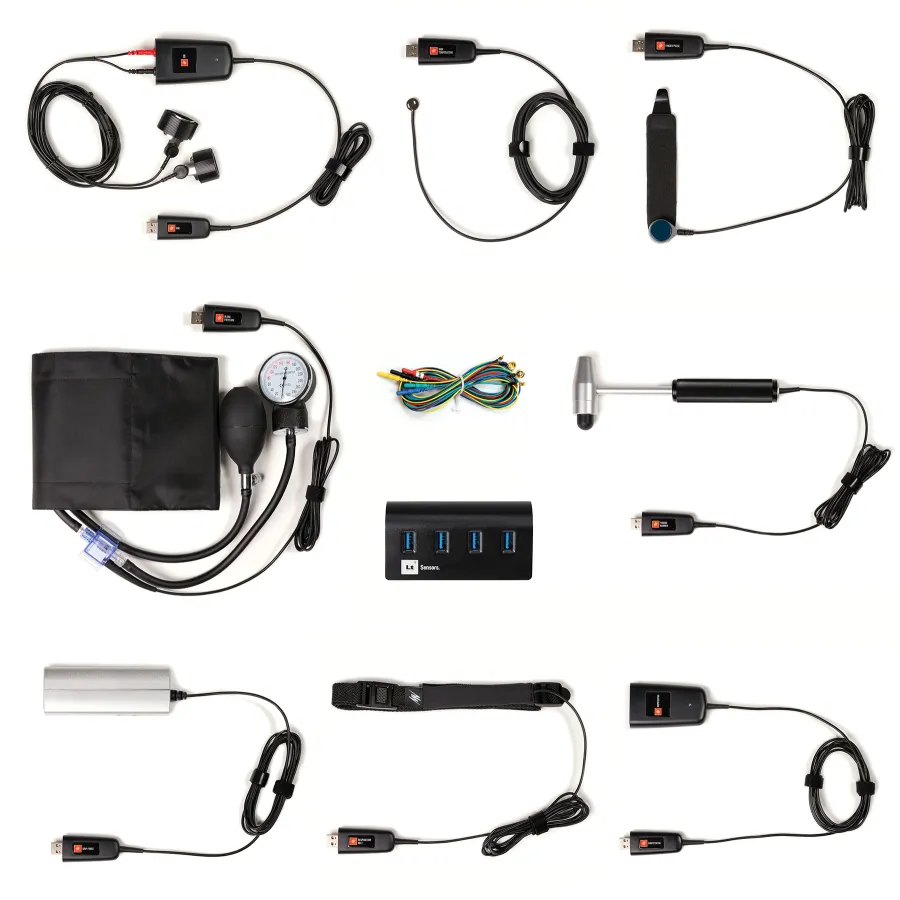
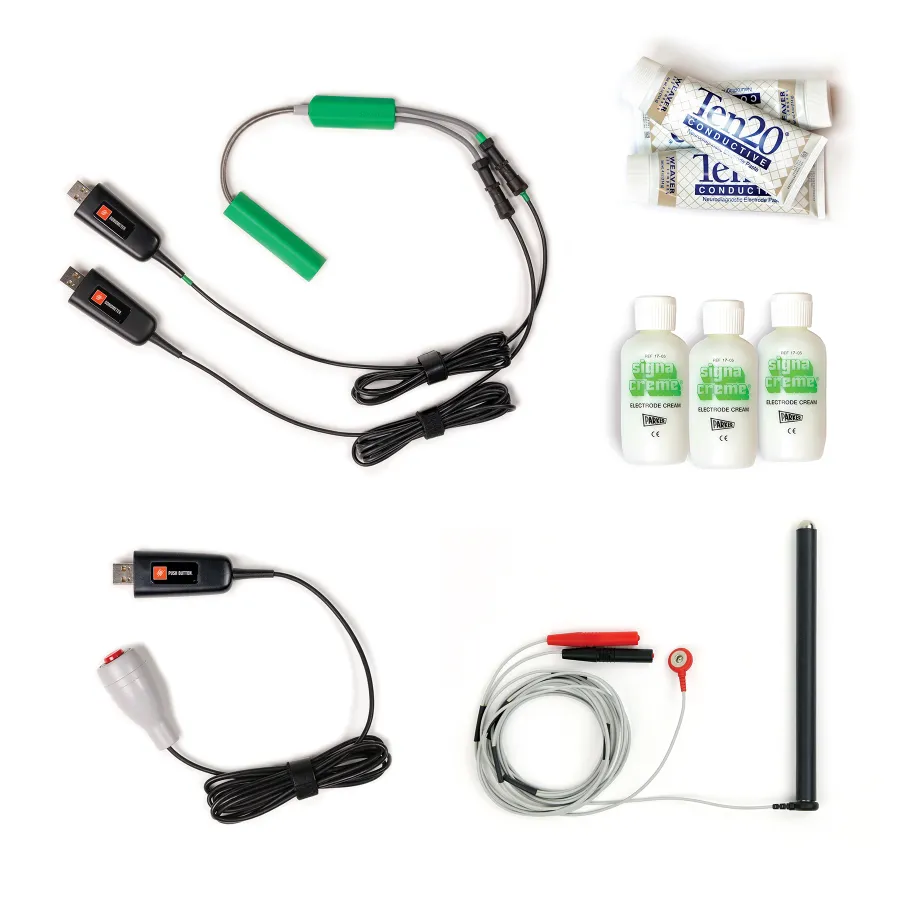
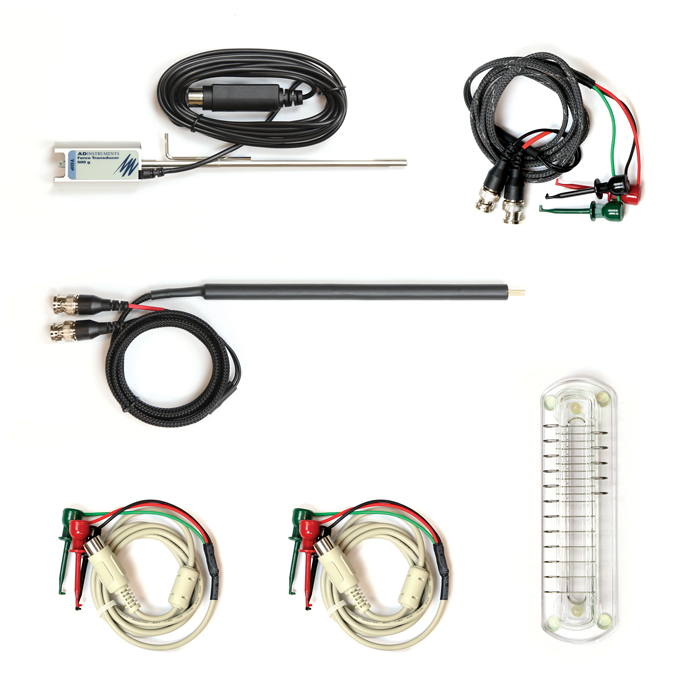
Lt FAQ
Looking for more information about getting started with, or growing your skillset within Lt? Our support articles provide all the technical details you could need.
- Can Lt check for spelling errors when authoring content?
- Can Students provide feedback to their Educator within Lt?
- Creating Lt Audio Panels
- Creating Lt Button Panels
- Creating Lt Categories Panels
- Creating Lt Graph Panels
- Creating Lt Hotspot Panels
- Creating Lt Image Panels
- Creating Lt Minipage Panels
- Creating Lt Notebook Panels
- Creating Lt Spreadsheet Panels
- Creating Lt Stimulator Panels
- Creating Lt Table Panels
- Creating Lt Text Panels
- Creating Lt Units Calibration Panels
- Creating Lt Video Panels
- Creating Lt Whitespace Panels
- Data sampling in Lt
- Granting Extensions in Lt
- Lesson Reports in Lt
- Lesson Revisions in Lt
- Lt Modules and Lessons
- Lt Question Types
- Lt: Time saving features for educators!
- Popups Overview
- Creating Lt Text Question Panels
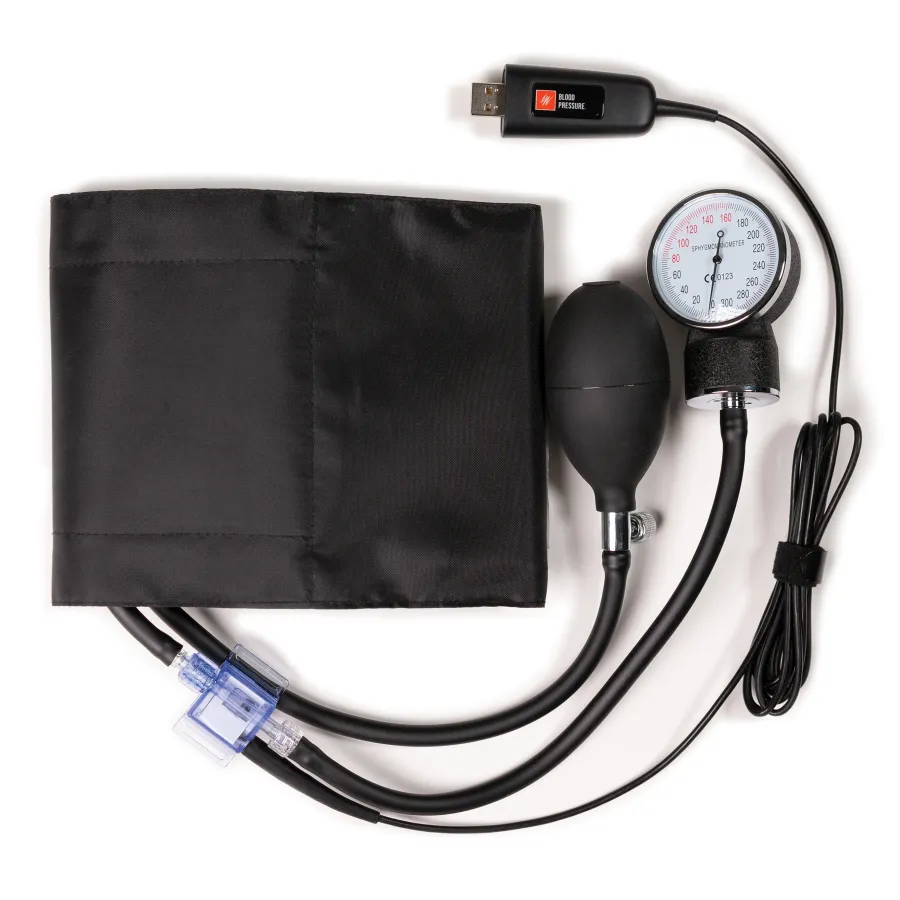
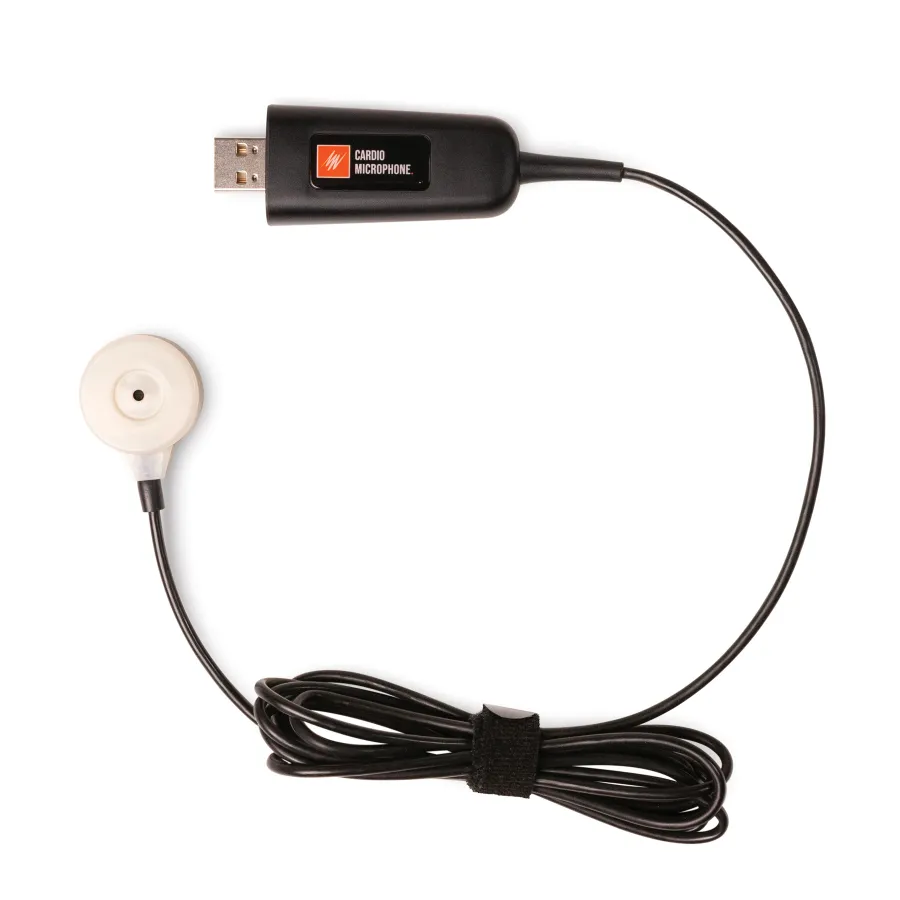
- Settings for Sampling Panels in Lt - Blood Pressure and Cardio Microphone
- Settings for Sampling Panels in Lt - ECG and Heart Rate
- Settings for Sampling Panels in Lt - ECG Event Averaging
- Settings for Sampling Panels in Lt - ECG, PCG, and Pulse
- Settings for Sampling Panels in Lt - Pulse and Heart Rate
- Settings for Sampling Panels in Lt - 2-channel EMG
- Settings for Sampling Panels in Lt - Default
- Applying and Managing Settings Files for Sampling Panels in Lt
- Configuring Example Data Settings in Lt
- How to download example data and settings files from Lt
- Settings for Sampling Panels in Lt - Breathing
- Settings for Sampling Panels in Lt - Evoked EMG
- Instructor's Guide to Linking Lt Lessons with Blackboard Using LTI
- Instructor's Guide to Linking Lt Lessons with Brightspace D2L Using LTI
- Instructor's Guide to Linking Lt Lessons with Moodle Using LTI
- Instructor's Guide to Linking Lt Lessons with Canvas Using LTI
- Administrator guide to Lt LTI 1.3 LMS integration with Blackboard
- Administrator guide to LTI 1.3 LMS integration with Brightspace D2L
- Administrator guide to LTI 1.3 LMS integration with Canvas
- Administrator guide to LTI 1.3 LMS integration with Moodle
- Administrators Guide: kuraCloud API
- Learning Tools Interoperability (LTI v1.3) Setup
- SAML Single Sign On (SAML SSO) Setup
- Troubleshooting: PowerLab Not Detected / KCDA Download Prompt in Chrome
- Why do I get a "Can't Sample" error even though I have downloaded the Lt Sampling app?
- Why is Lt not communicating with the PowerLab for recording data?
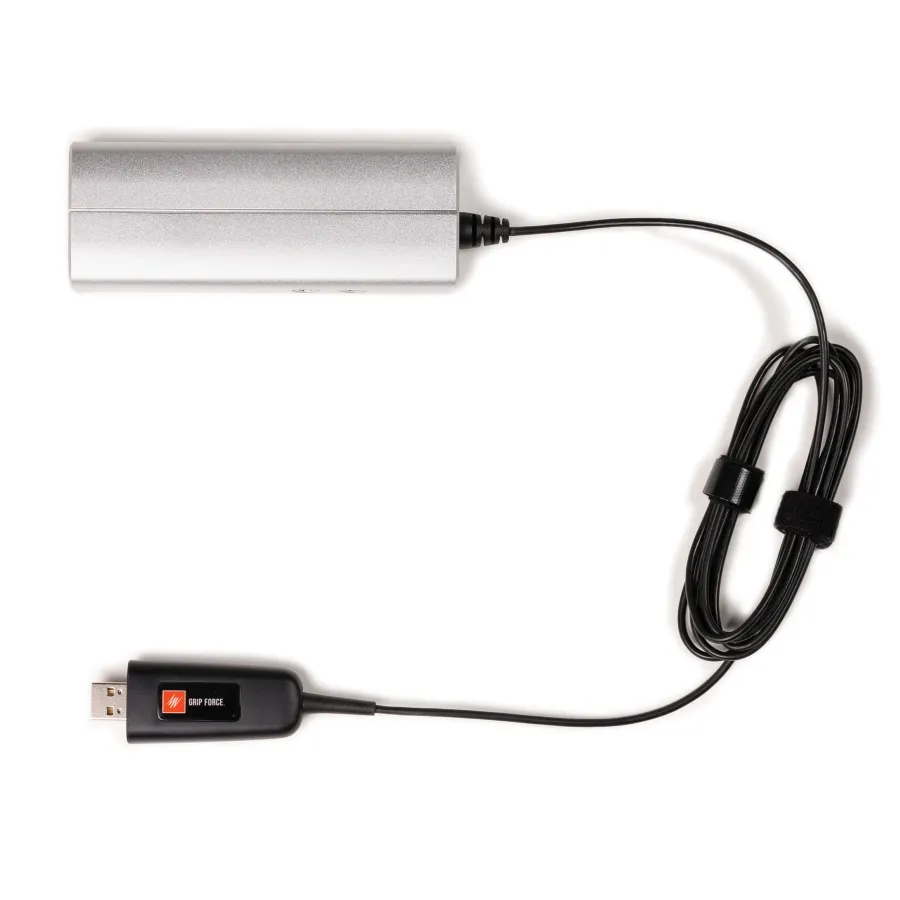
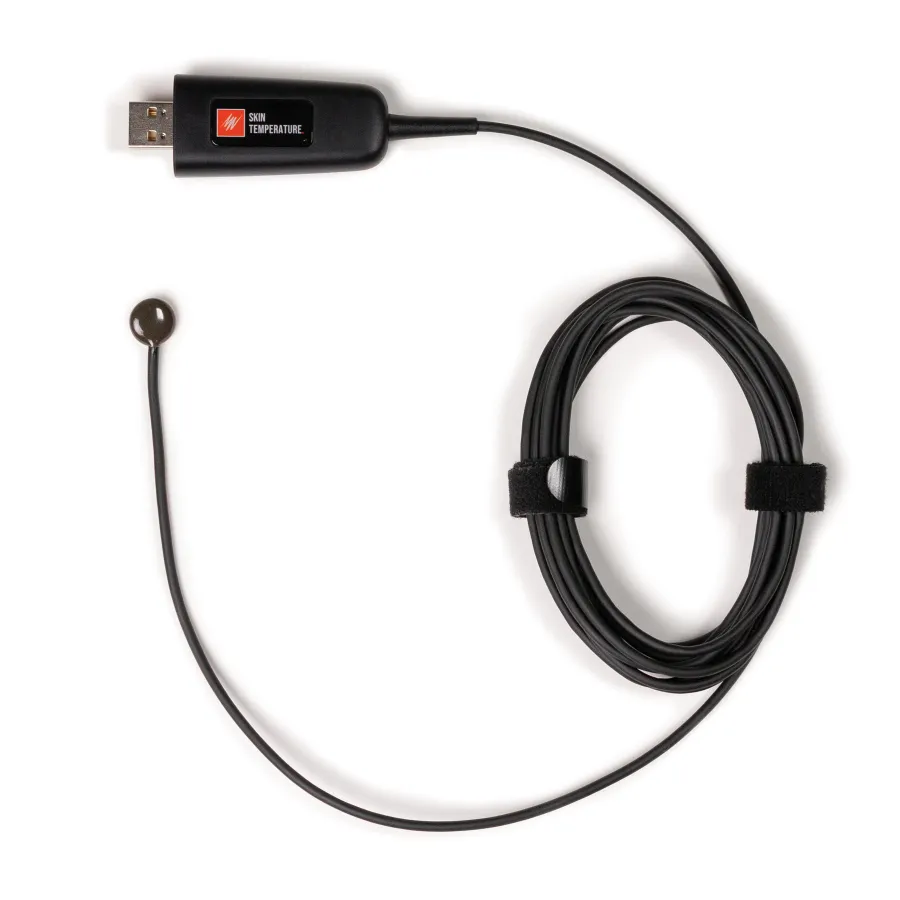
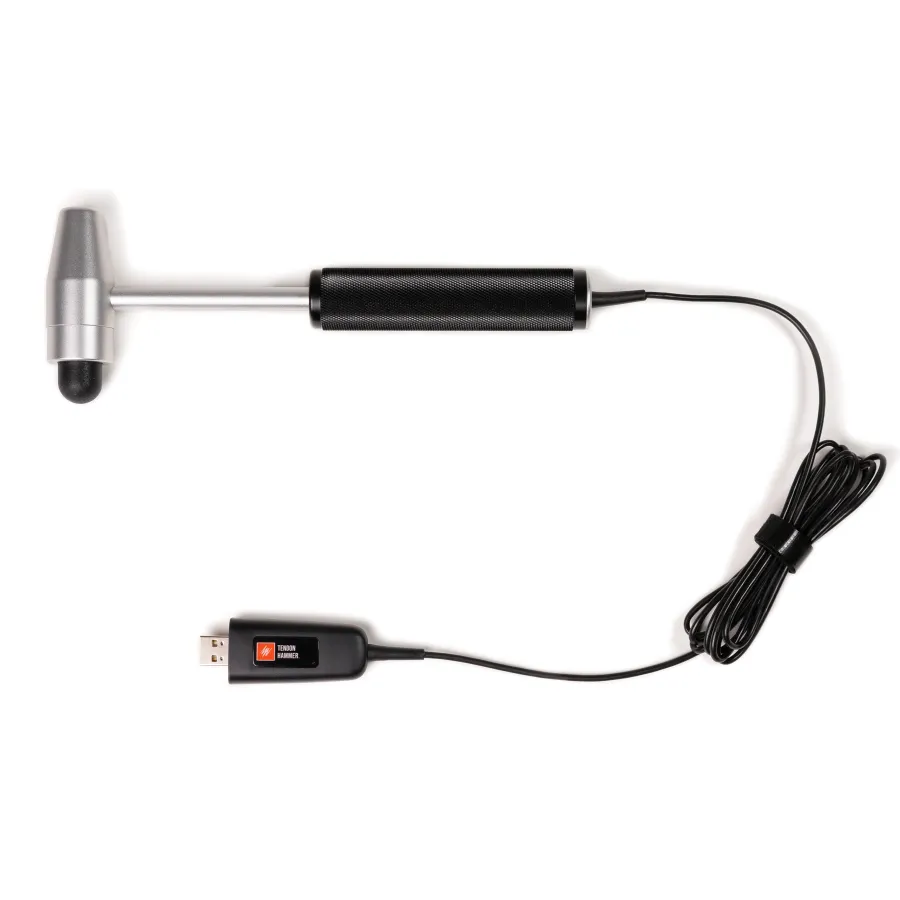
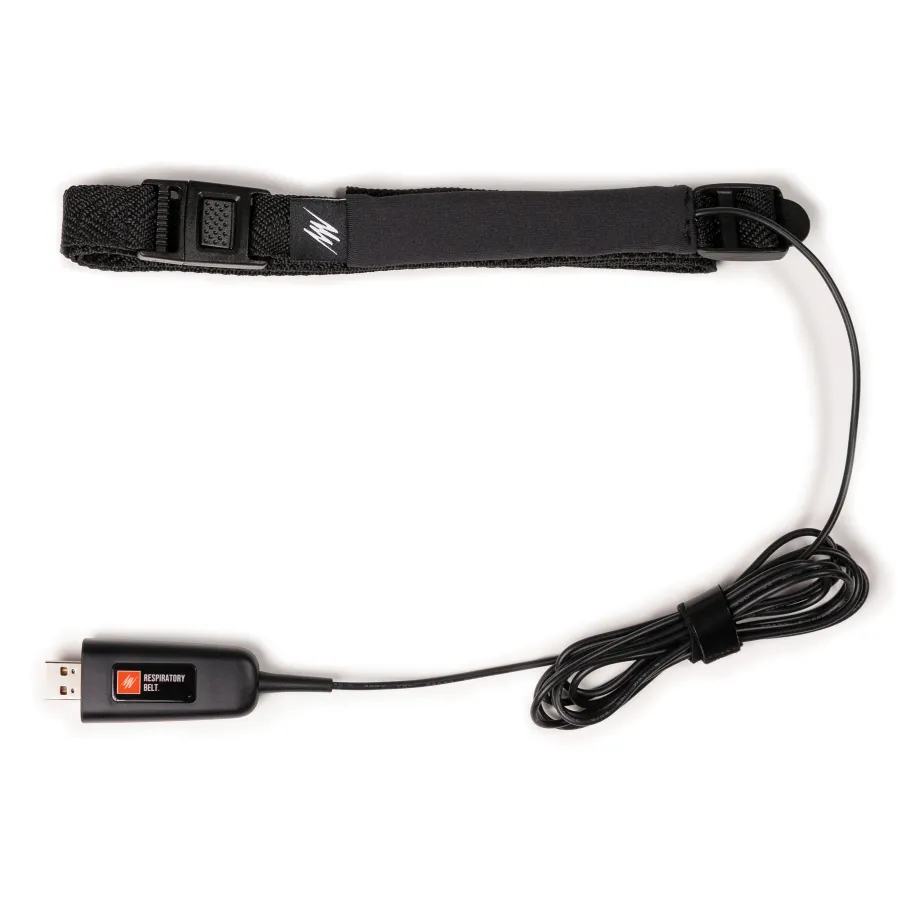
- Lt Sensors Data Cards
- Creating Lt Spirometry Panels
- LED Indicators on Lt Sensors
- Grace Periods and Your Access to Lt
- Understanding the Lt Student Grace Period
- How do Access Codes work in Lt?
- I bought an Lt Access code; how do I log in to Lt and enter my Lt access code to use Lt?
- Logging in to Lt and Using Your Access Code
- Why is the ADInstruments Lt software rejecting my student access card code?
- Accessing Lt from Canvas as a Student
- Managing Student Access and Direct Purchase in Lt
Stay up to date
Keep up to date with the latest developments, training opportunities, and publications.