

The Units Calibration panel is used to convert raw data signals, such as voltage, into meaningful physical units. It ensures that recorded data is accurate and correctly scaled for analysis.
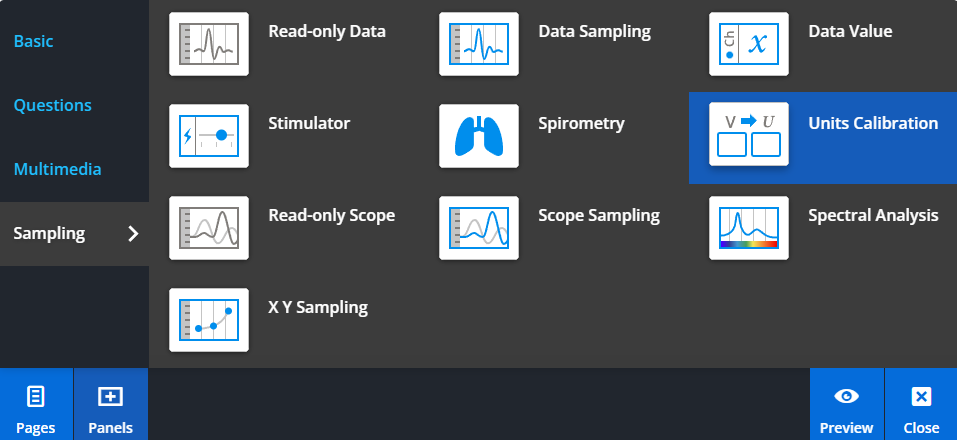
To add a Units Calibration panel, select Panels from the footer, then choose Sampling from the Panels menu. Drag and drop the Units Calibration panel onto your lesson page.
Calibrating data
The Units Calibration panel allows you to map raw signals from connected hardware, such as PowerLab, to calibrated units.
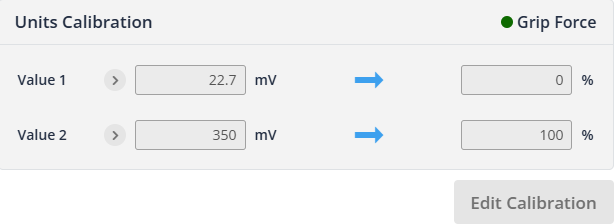
To perform calibration, select a baseline region of the signal to define a zero value, then select a reference region to set a known value.
This process converts the recorded signal into meaningful units, such as force or percentage.
Using calibrated data
Once calibration is complete, all recorded data will be displayed using the defined units.
This is commonly used in experiments such as grip force measurements, where raw voltage signals are converted into force values or percentages.