

The Spirometry panel assists with calibrating a spirometer so students can accurately record and analyse respiratory data.
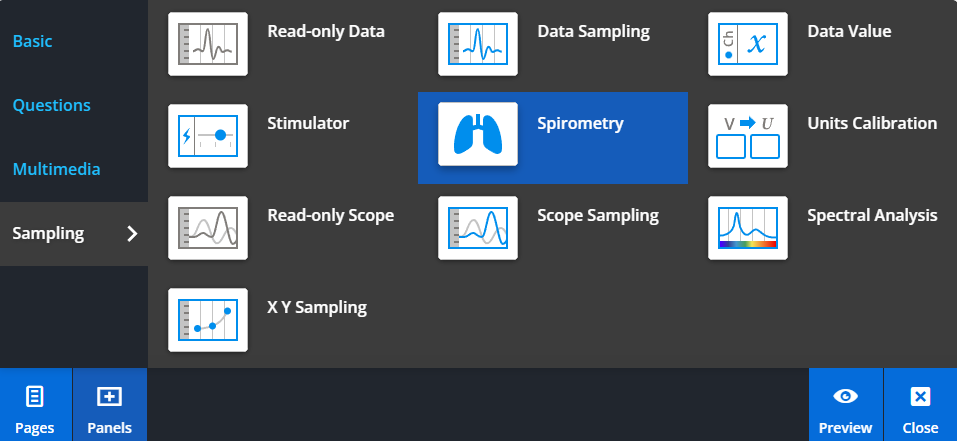
To add a Spirometry panel, select Panels from the footer, then choose Sampling from the Panels menu. Drag and drop the Spirometry panel onto your lesson page.
Calibrating the spirometer
The spirometer must be zeroed before starting sampling. This ensures that volume calculations begin from a zero flow value.
To zero the spirometer, enable Standard Zeroing in the Data Sampling panel settings. Leave the spirometer sensor undisturbed on the bench, then select Zero Inputs.
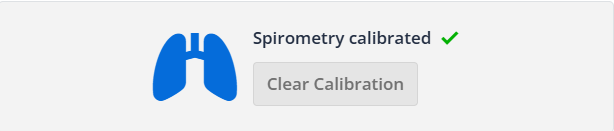
After recording approximately 10 seconds of data, you can complete calibration using the Spirometry panel.
Managing drift
The Spirometry panel can also be used to correct for drift in volume measurements caused by gas expansion during exhalation.
For accurate results, use the Spirometry panel together with Standard Zeroing in the Data Sampling panel.