

Question panels in Lt are designed to accommodate either single or multiple attempts for answering. The behavior of the panel depends on the settings configured by your instructor.
Single Attempt Questions
If only one attempt is allowed for a question, a confirmation popup will appear when you first select Check Answer. This popup ensures that you are certain about your response before committing.
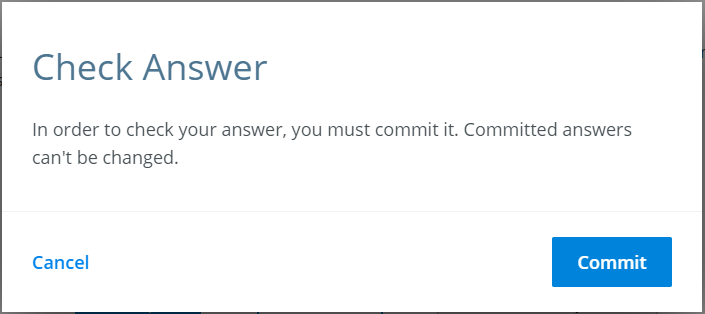
Fig. 1: Commit Answer Popup
If you are satisfied with your answer and wish to proceed, select Commit. If you would like to review or edit your response, select Cancel.
Important: Once you commit your answer, you will no longer be able to modify it. Make sure your response is final before proceeding.
Multiple Attempt Questions
For questions that allow multiple attempts, no popup will appear. You can submit and check your answers as many times as you’d like until you get it right, or until you are satisfied with your response.
Summary of Behaviors:
| Question Type | Behavior |
|---|---|
| Single Attempt | Confirmation popup appears. Answer cannot be changed after committing. |
| Multiple Attempts | No popup appears. Answers can be modified and resubmitted. |
Additional Notes
- Always double-check your answers before committing if only a single attempt is allowed.
- For questions with multiple attempts, use the opportunity to learn and improve by reviewing your responses.