

The Stimulator panel allows you to control and apply stimulus during data sampling. It works alongside a Data Sampling or Scope panel and requires compatible hardware, such as an Isolated Stimulator connected to a PowerLab.
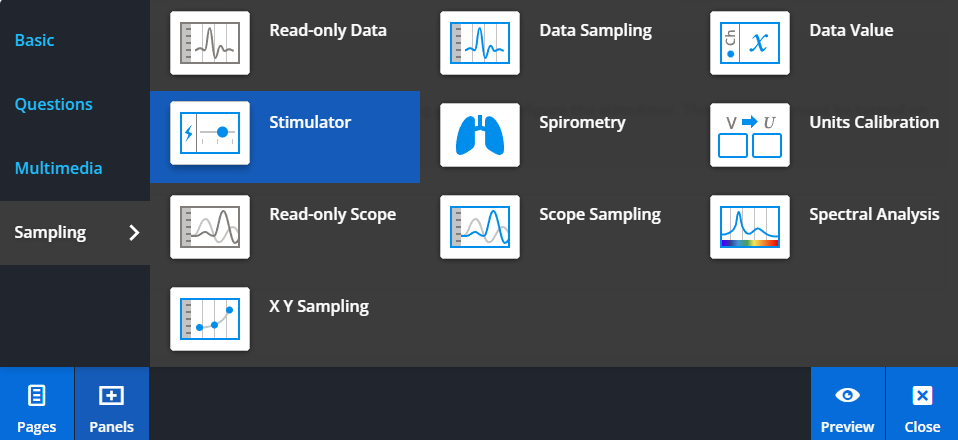
To add a Stimulator panel, select Panels from the footer, then choose Sampling from the Panels menu. Drag and drop the Stimulator panel onto your lesson page.
Using the Stimulator panel
When added to a lesson, the Stimulator panel will use the settings from the connected Data Sampling or Scope Sampling panel.
You can start and stop stimulation, and adjust available parameters directly from the panel while sampling.
Configuring available controls
The controls displayed in the Stimulator panel are defined in the settings file used by the Data Sampling or Scope Sampling panel.
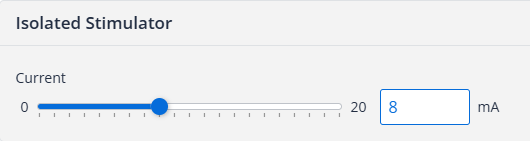
In LabChart, you can choose which parameters are available by enabling them in the panel column of the Waveform Customization Dialog or Stimulator Waveform Customization Dialog.
These selected parameters are included in the settings file and will appear in the Stimulator panel when applied in Lt.