

Lt lessons are highly interactive and include various question types designed to engage your thinking. If you see a Check Answer button after a question, you can select it to instantly receive feedback on your work. You may even get helpful hints to guide you toward the correct answer.
Types of Questions
Basic Text Questions
The simplest type of question includes a plain Type your answer here box, where you are asked to write an answer in your own words.
Multiple Choice Questions (MCQ)
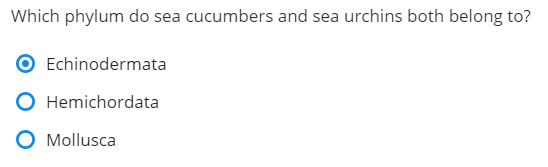
For MCQs, select the correct answer from the provided options. Note that you can only select one option.
Labeling, Categorizing, and Drag-and-Drop Questions
Some questions require dragging and dropping labels to specific locations. There may be more labels than locations or vice versa.
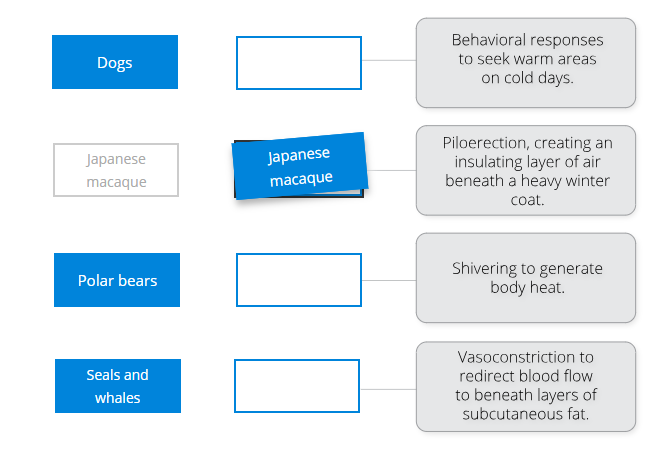
Similarly, you may need to sort labels into categories. Not every label needs to be categorized.
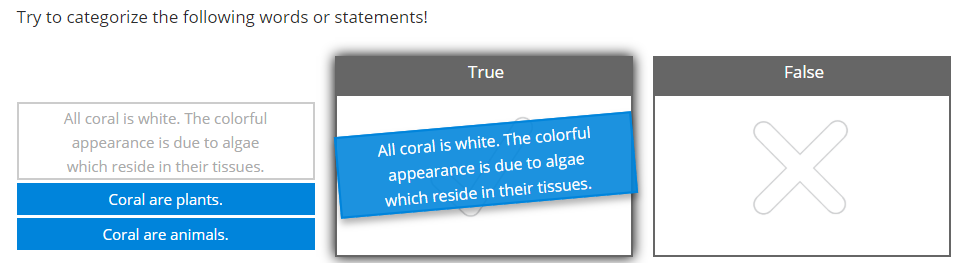
When correctly sorted, a  appears next to the category heading after selecting Check Answer.
Some questions may involve labeling blank locations on an image.
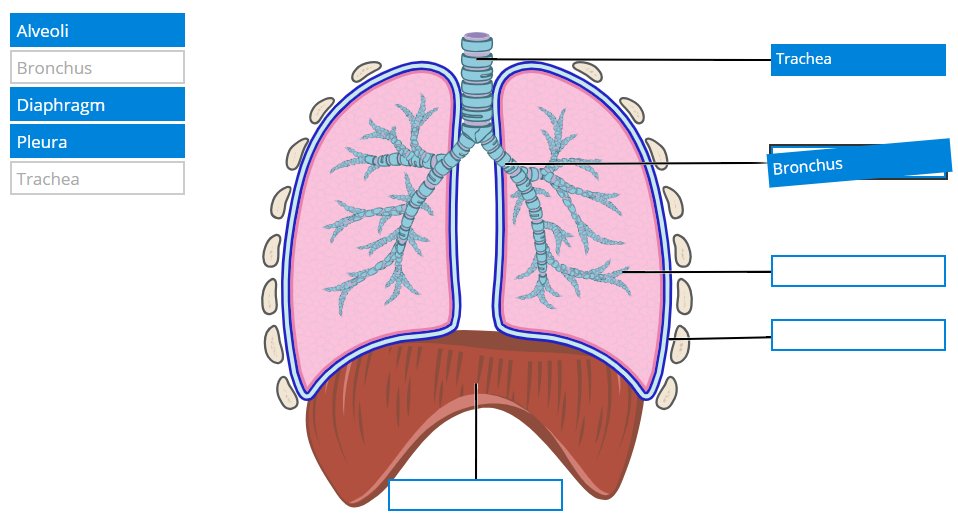
Table Questions
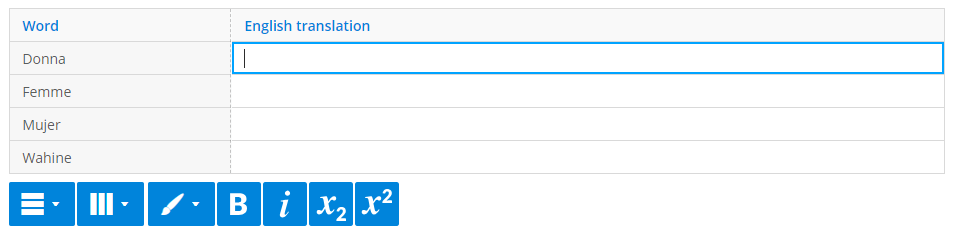
You might encounter tables to fill out, with formatting options to edit text, add rows or columns, and change cell colors.
Upload and Annotate Image Questions
Some questions require you to upload and annotate your own image or an image provided to you. Annotating involves marking, drawing, or adding notes to the image.
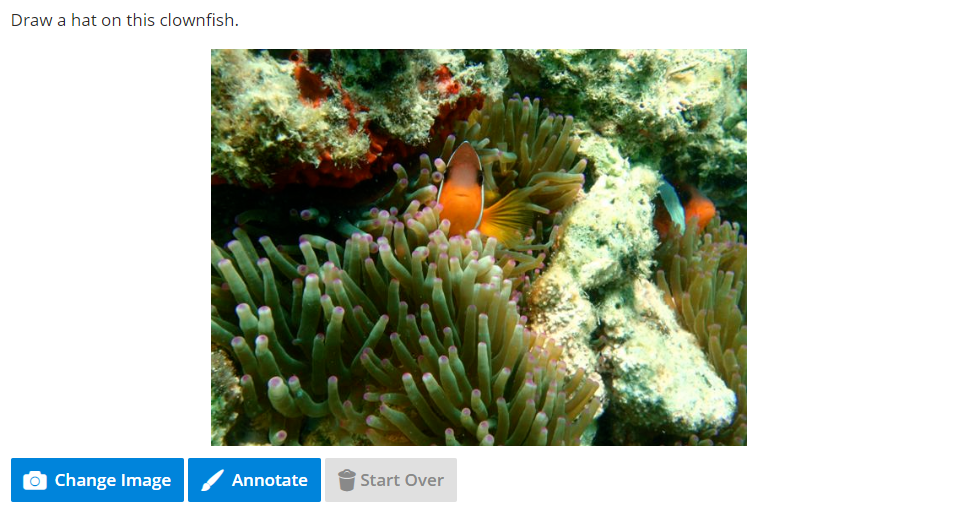
- Use the Change Image button to upload an image (JPEG, PNG, or GIF formats, max size 5 MB).
- Start over anytime by selecting Start Over.
- Use the annotation tools to draw, add arrows, or text. Tools include pen, arrow, text, and eraser, with color options like black, white, red, blue, and green.
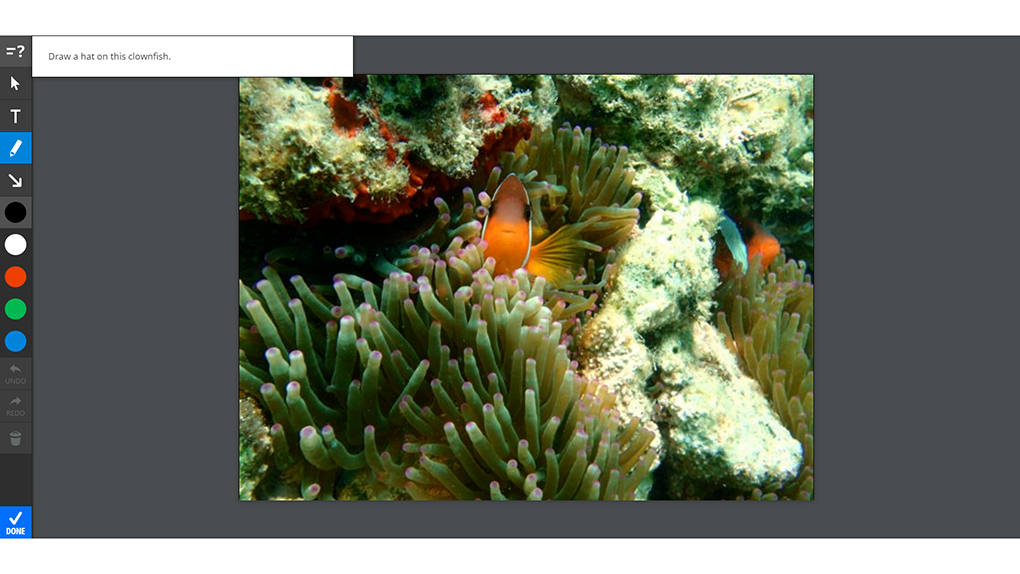
- Once satisfied, select Done to save your annotations.