

Group Activity
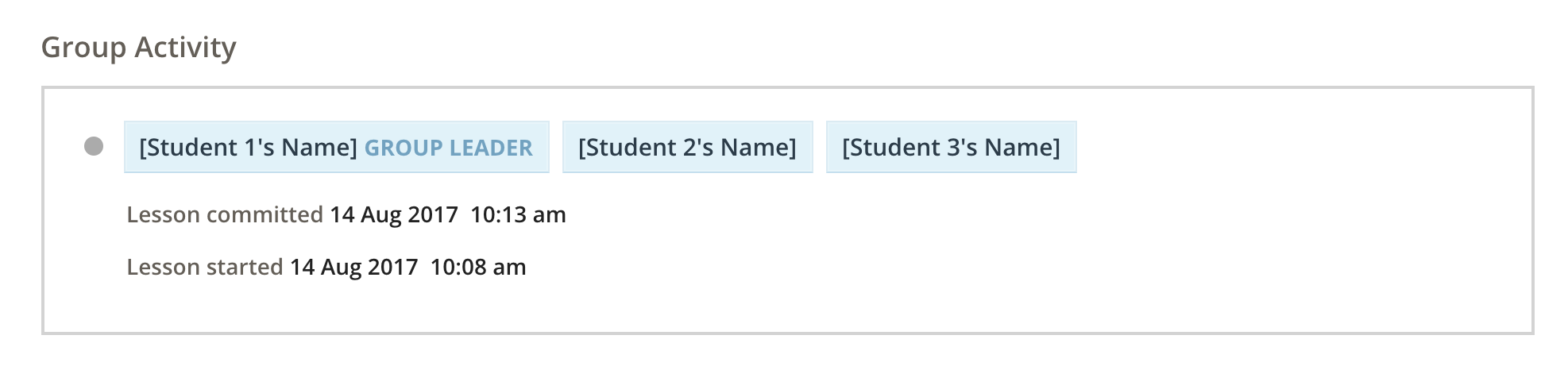
Group Activity shows the history of student work for the current lesson. It is accessible from two places:
It optionally appears on the completion page of the lesson.
Course Progress > Students > [Select Lesson] > View Work > [Navigate to Report Page]
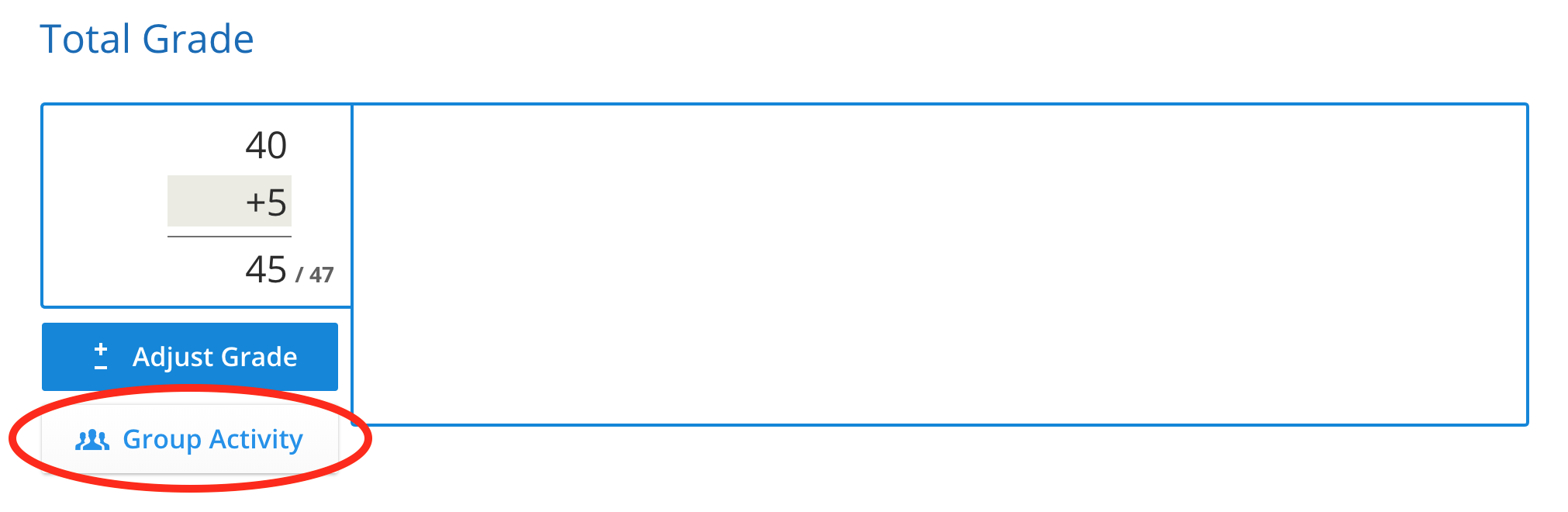
It is available in the kuraCloud Grading interface on the Total Grade page, by selecting the Group Activity button.
Course Progress > Grade > [Click on Total grade for a student] > Group Activity
Analyzing Group Activity
Group Activity shows entries for when a group started, continued, and committed a lesson. Graders can use this to get an indication of a student's contribution to the work in a lesson. For example, if a student was only added to a group very close to when the lesson was committed, they may not have contributed very much to the work. It should be remembered, however, that it is possible that the student may have done previous work in a different group, or been present but not actively logged in as part of the group.
Each dot represents a new branch of work. If the group stops working or leaves the lesson and then resumes, the active students will need to be reinvited to receive the new work, as a new branch has been created. If a student accepts work before the group lab work is completed, they will have created a branch from the point of acceptance and will only have received part of the completed group work.
Exporting Group Activity
Course Progress > Grade > [Click on Total grade for a student] > Group Activity > Export