

The Audio panel allows you to add audio files to your lesson. It is useful for delivering spoken content, instructions, or supplementary material.
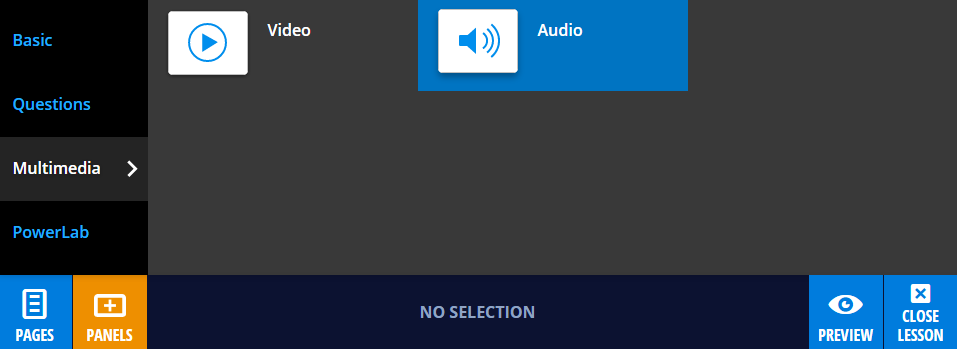
To add an Audio panel, select Panels from the footer, then choose Multimedia from the Panels menu. Drag and drop the Audio panel onto your lesson page.
Adding audio
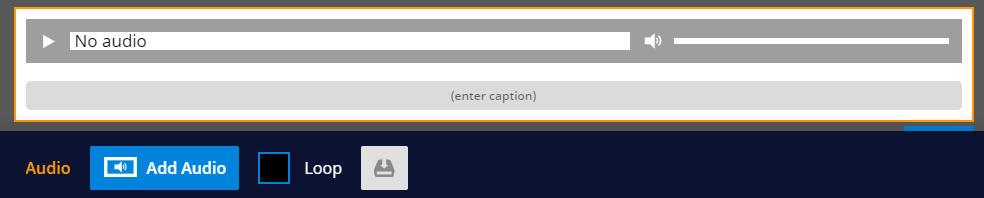
To add audio, drag and drop an .mp3 file onto the panel, or select Edit, then Add Audio from the panel properties in the footer.
Upload speed will depend on the size of your audio file. Optimised file sizes will upload more quickly.
Customising your Audio panel
You can adjust playback and display settings using the panel properties in the footer.
Enable Loop to repeat the audio automatically, or allow students to download the file using the download option.
You can also add a caption using the text field to provide additional context or instructions.