Data Management
We have changed how Lightning saves data files. You now have direct access to your projects and recordings, making it easier for you to organize and share data. Our goal is to give users direct access to their project and recording files, so that they can organize and manage them however they wish.
- Project and Recording files are now stored in your Documents folder.
- Recordings are now saved as .lclrec files.
- Projects are now saved as .lclproj files.
When you first open LabChart Lightning version 1.6 or later and close the What’s New dialog, you will need to upgrade your existing projects before you can continue working with them. You can manage the upgrade process using the new Projects dialog. Projects that need to be upgraded will have an upgrade icon, as shown in the image below. Clicking the information button allows you to upgrade your project, and the project will then be automatically moved to the Documents folder.

We have also added these additional features to provide even more flexibility for users:
- Recordings and Projects can now be opened in Lightning by double-clicking their saved file.
- LabChart Lightning can open Projects stored outside the Documents folder.
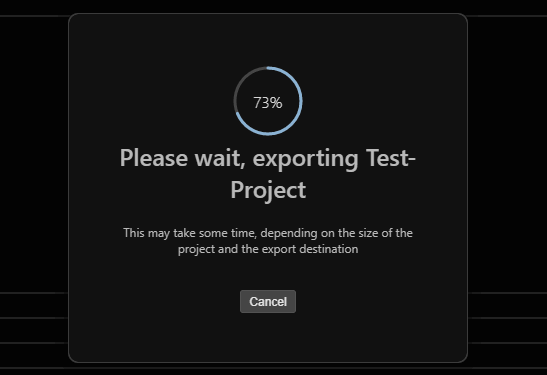
- Exported Projects now have a new file extension, .lclpak.
New Features
- It is now easier to add subject and group information to recordings that have multiple subjects.
- Basic support has been added for colorblind users.
- Logging into LabChart Lightning now works correctly for users with licenses that have reached the end of their maintenance period.
- Synchronization has been improved when sampling with multiple C-Series devices.
Known Issues
- If LabChart Lightning 1.4 or 1.5 has been used to open older projects, recordings in those projects may not have the correct filename.