Resources for LabChart
LabChart software forms the foundation of your data acquisition system. Designed specifically for life science, LabChart provides up to 64 channels for data acquisition, display and analysis, with support for simultaneous recording from multiple devices. Quick to set up and simple to use, LabChart tracks every action you take and never modifies your raw data, ensuring the integrity of your results so you can focus on the true insights of your research.
Modules, extensions & device enablers
Expand LabChart's capabilities with modules, extensions, and device enablers built for specific research and teaching applications.
Modules
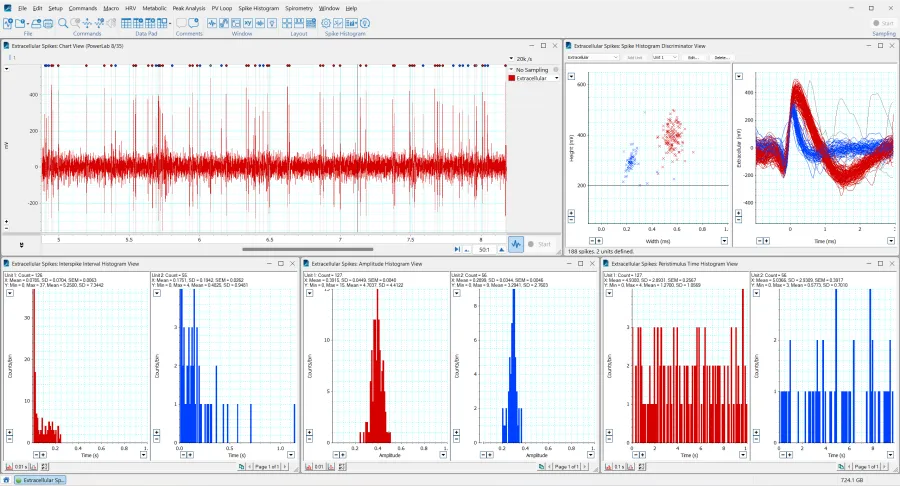
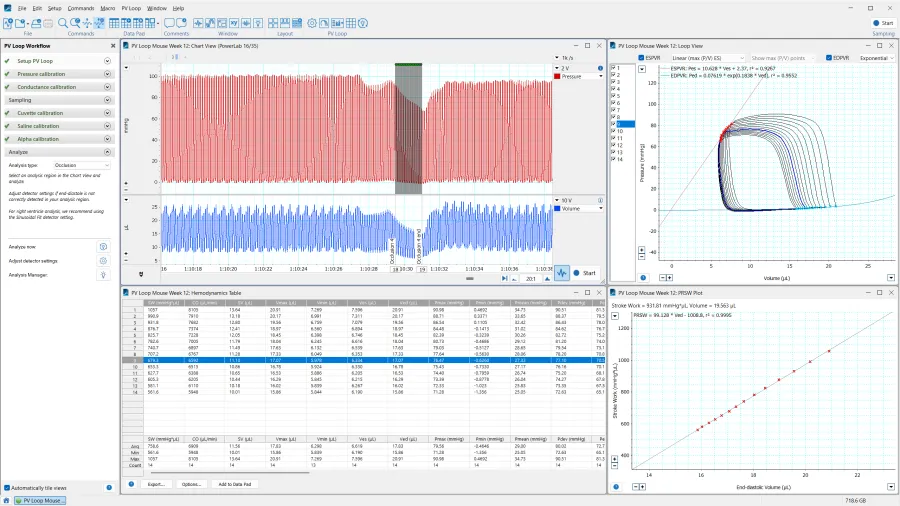
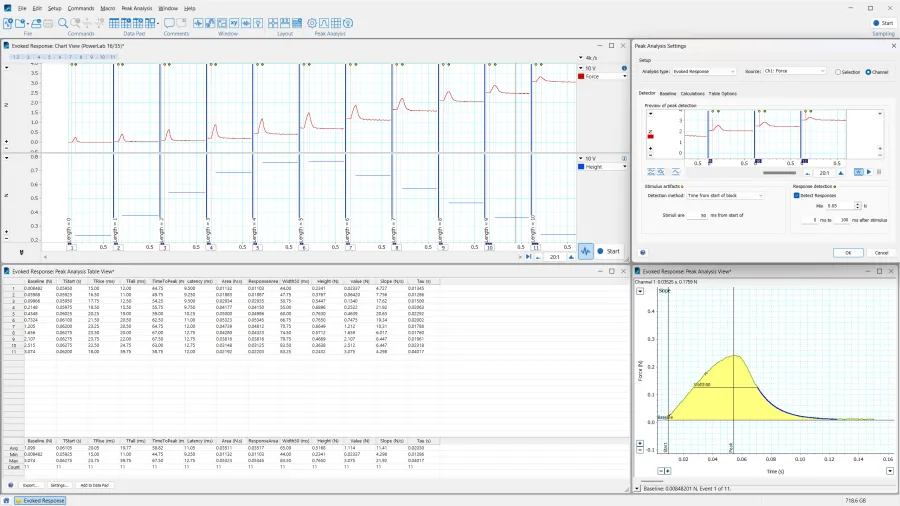
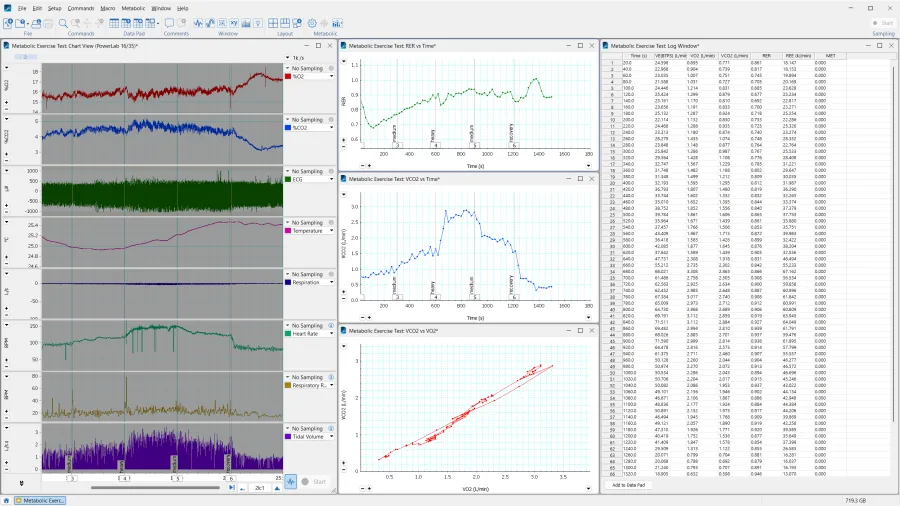
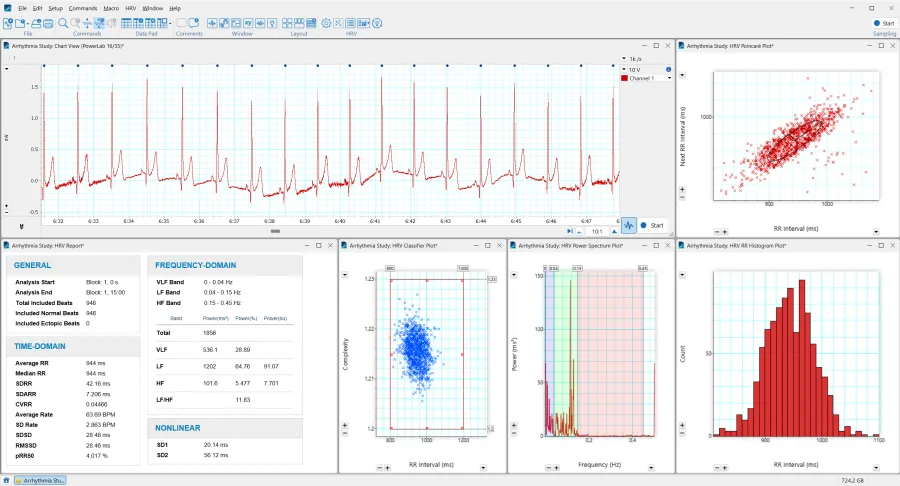
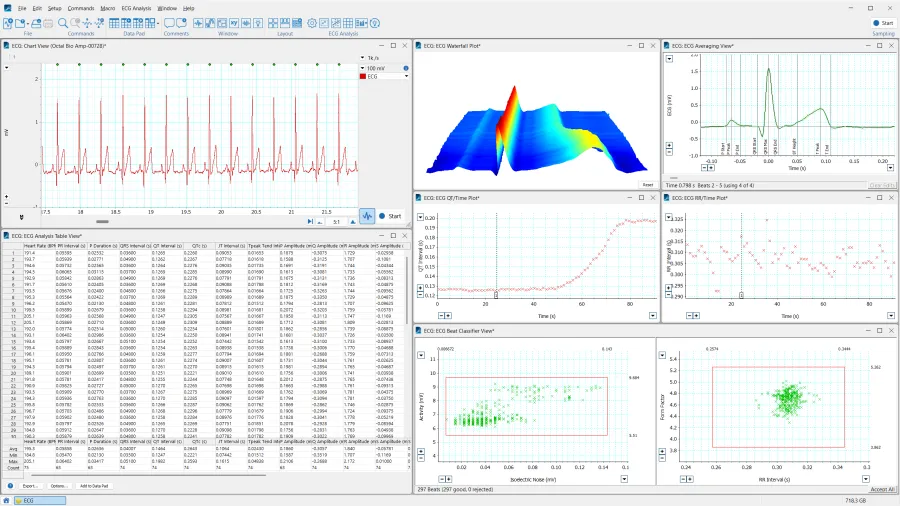
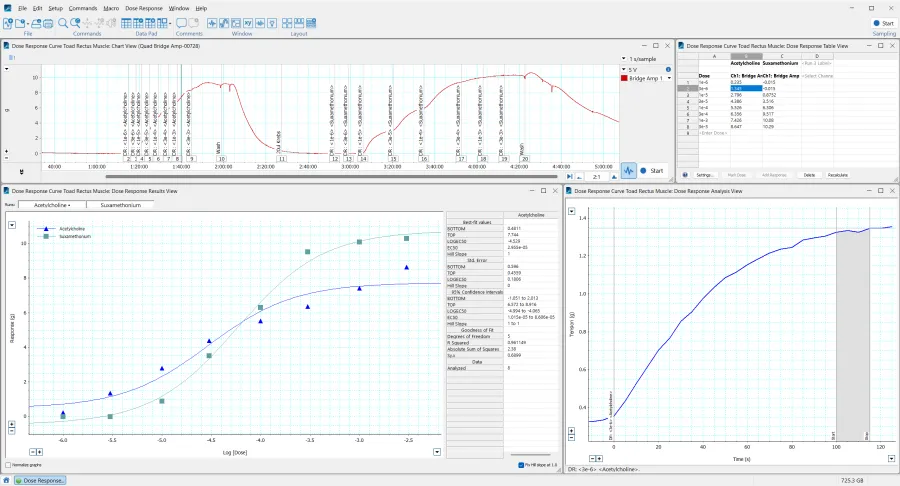
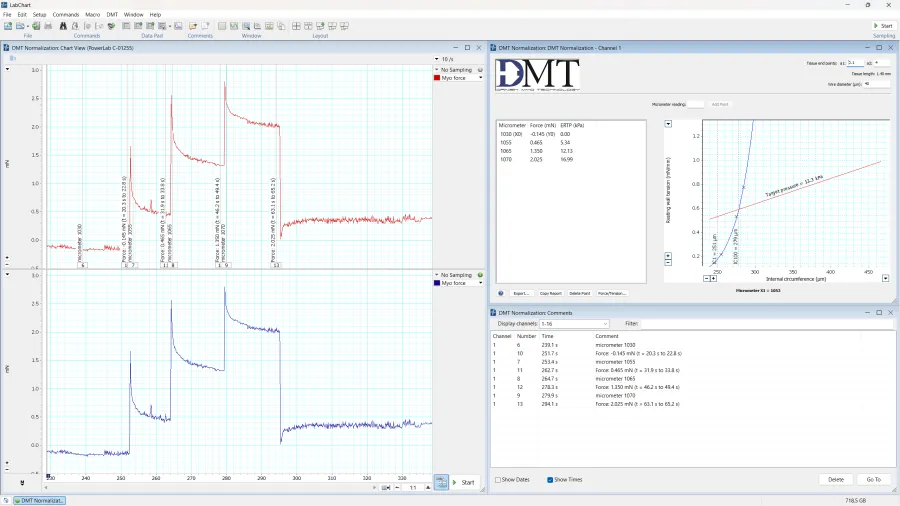
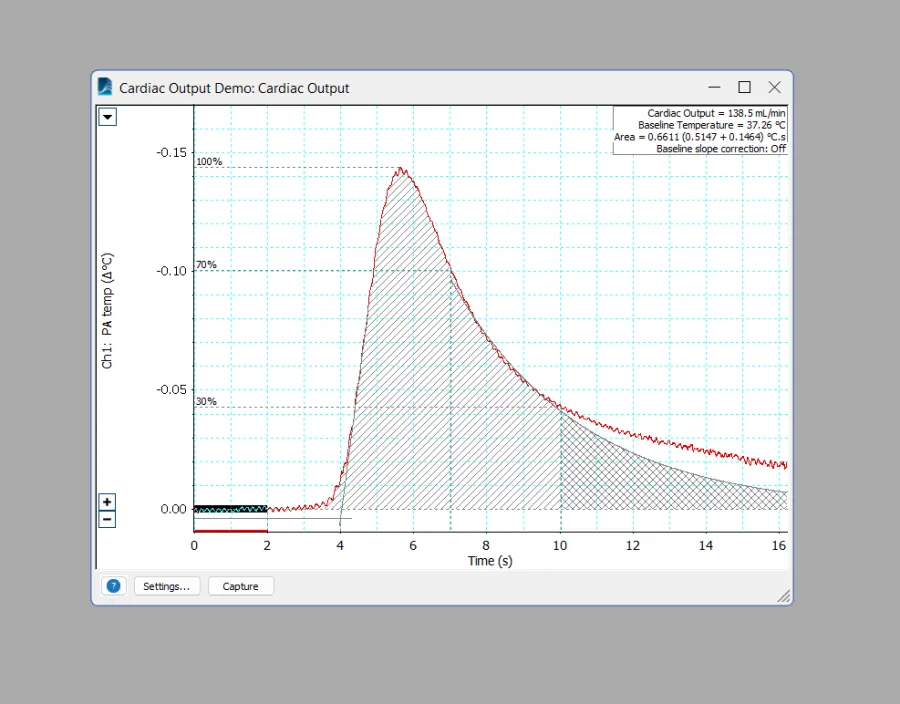
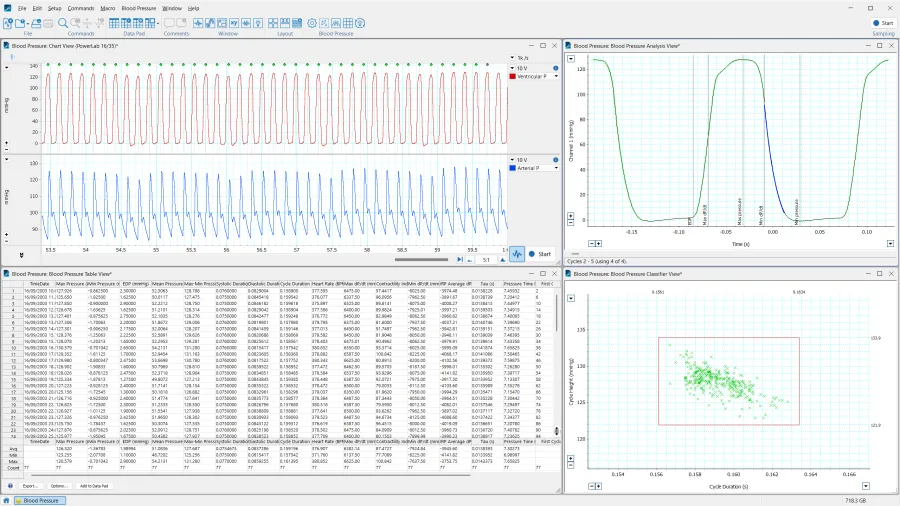
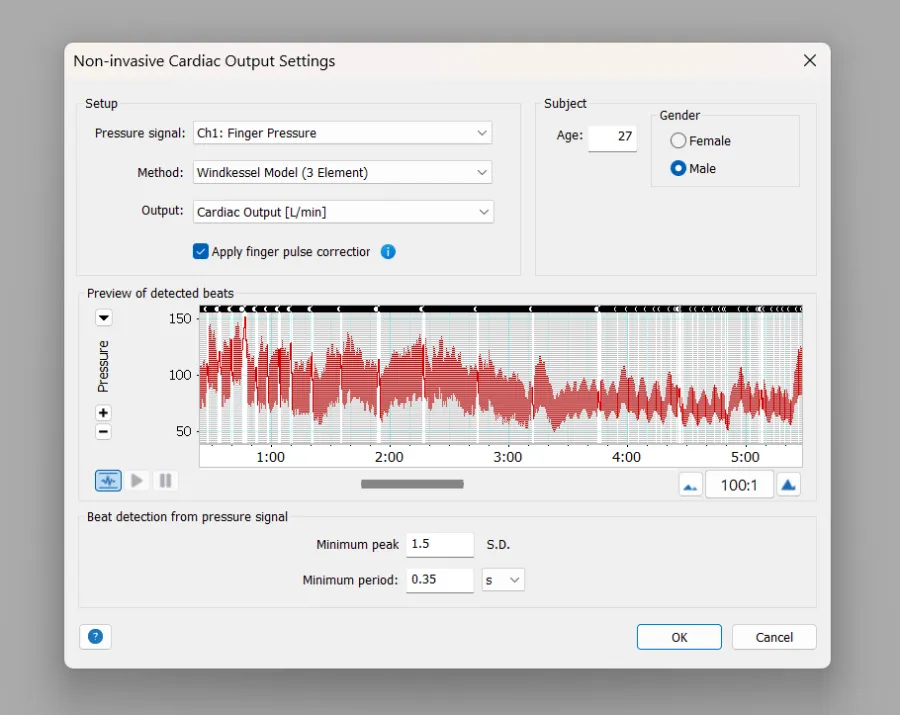
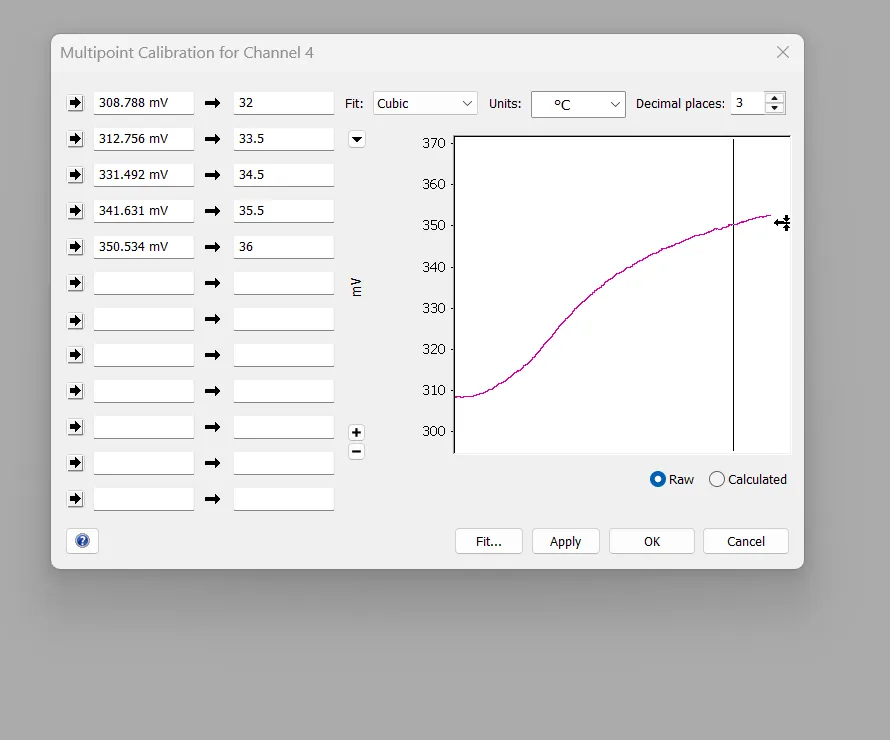
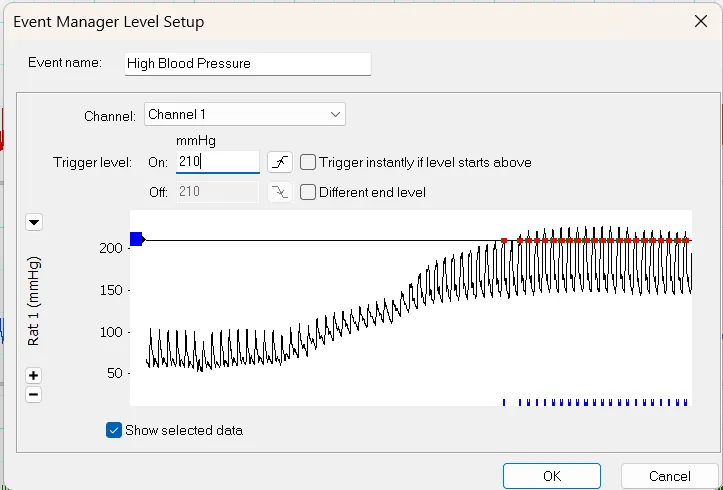
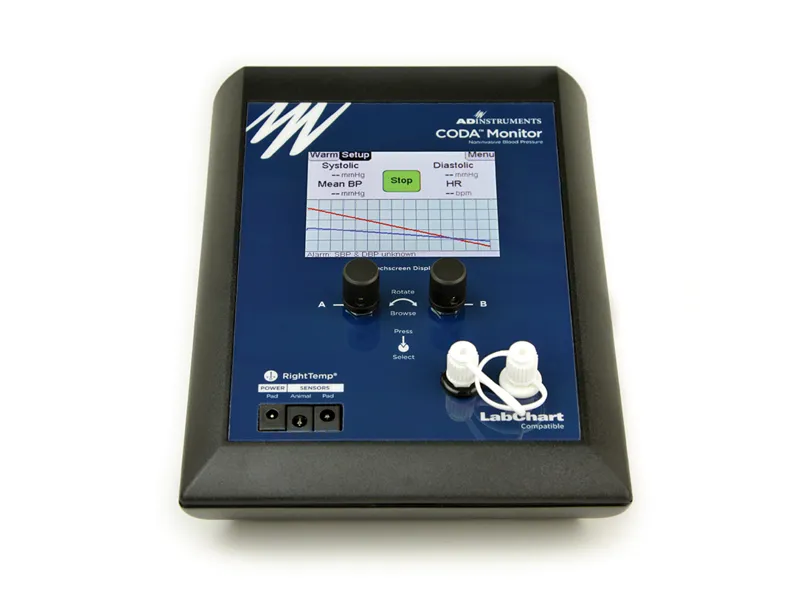
Upgrade your LabChart experience by purchasing feature-rich modules designed to streamline intensive workflows, enable advanced analysis, and produce specialized data visualizations.
Extensions
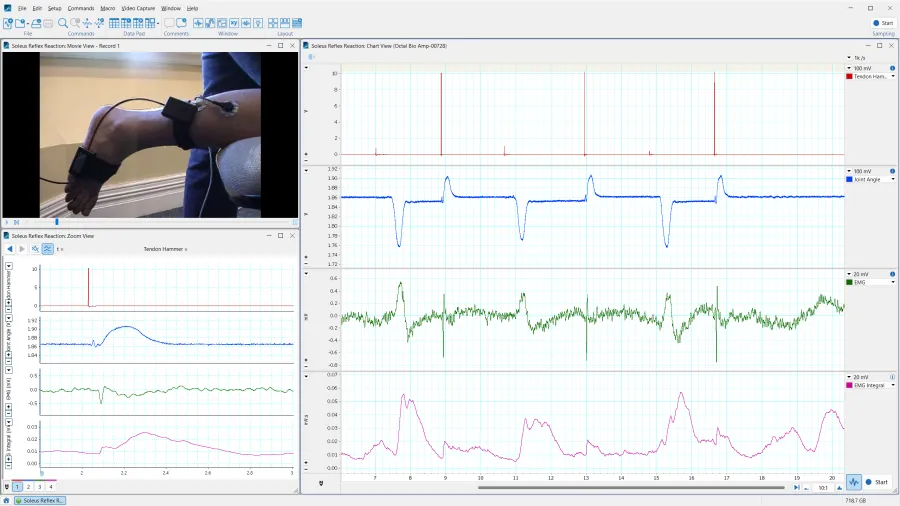
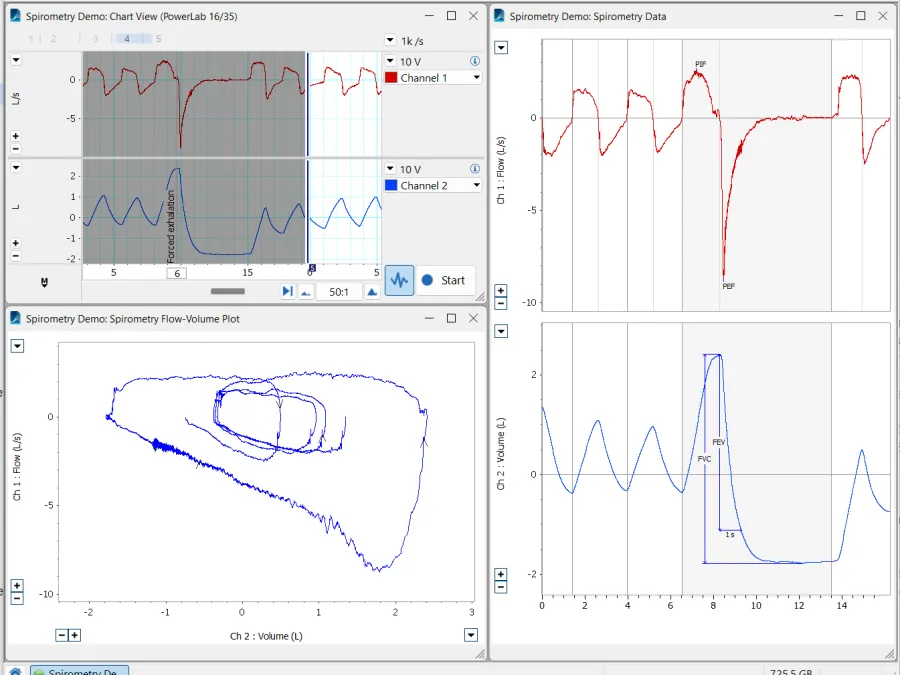
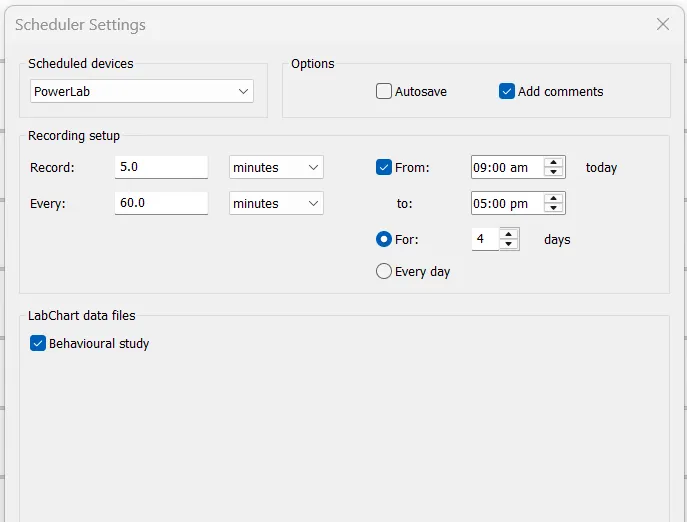
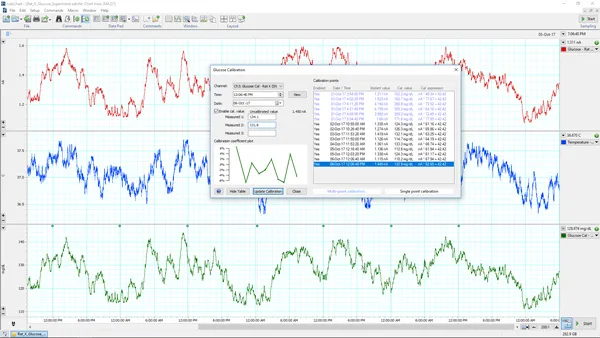
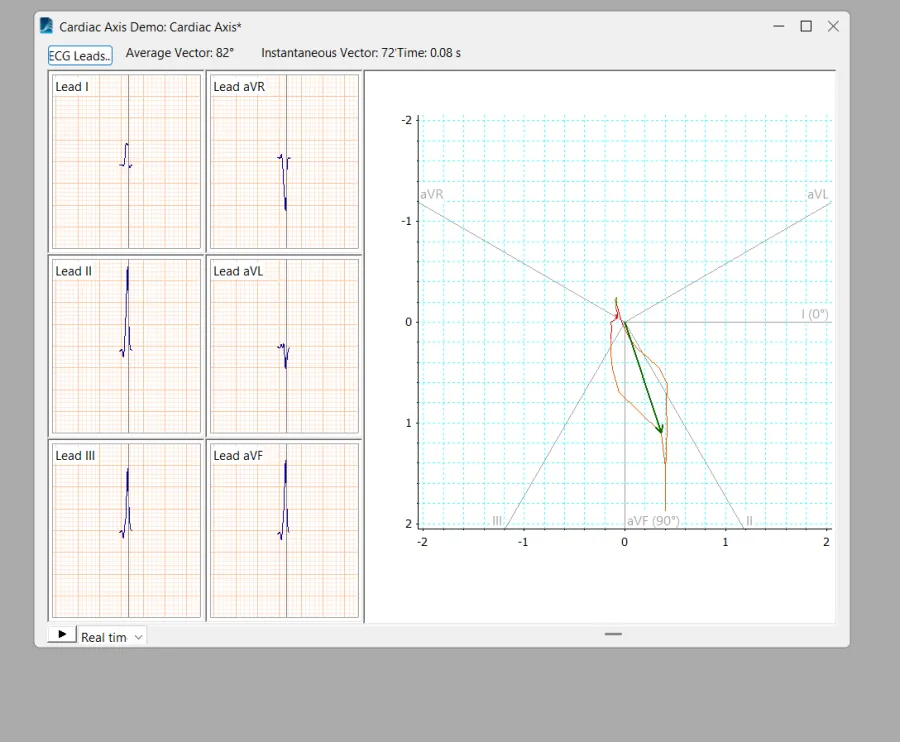
Expand LabChart at any time by downloading free extensions, adding new tools to your suite of data collection tools.


Device Enablers
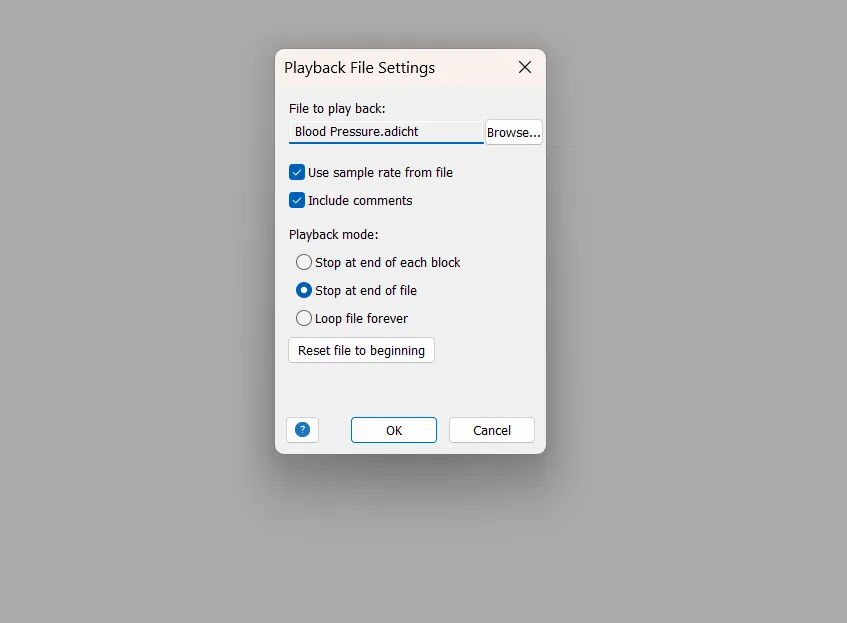
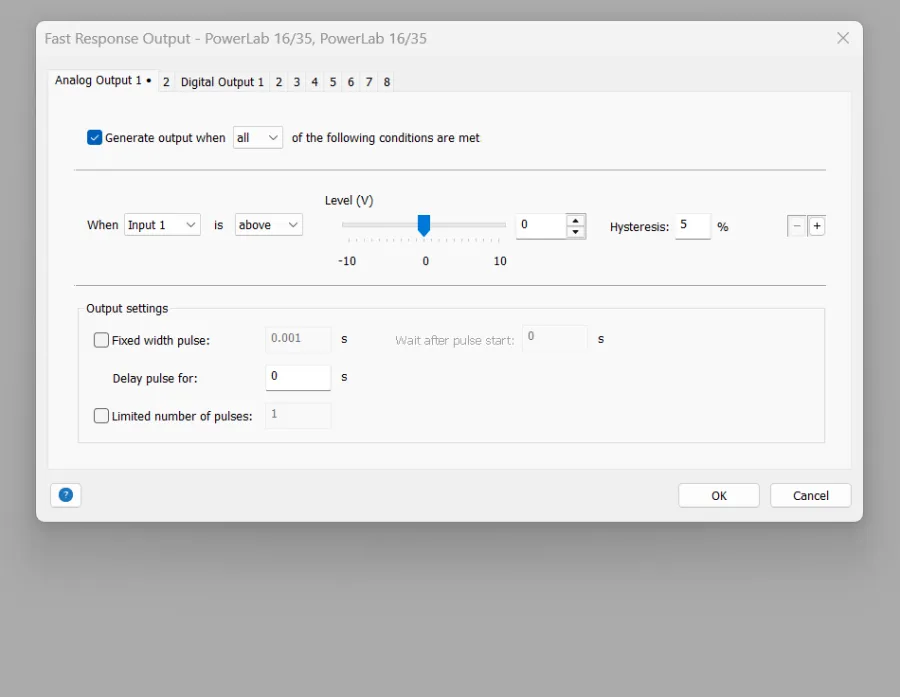
Streamline your hardware setup with a free download that lets you configure your hardware and record data directly into LabChart.







Why LabChart

Setting the Industry Standard
For decades, LabChart has set the standard for life science data acquisition software. Prioritising ease of use, accuracy and integrity of data above all else. LabChart is designed to fit the user, facilitating complexity and enabling simplicity.

Bundled for Success
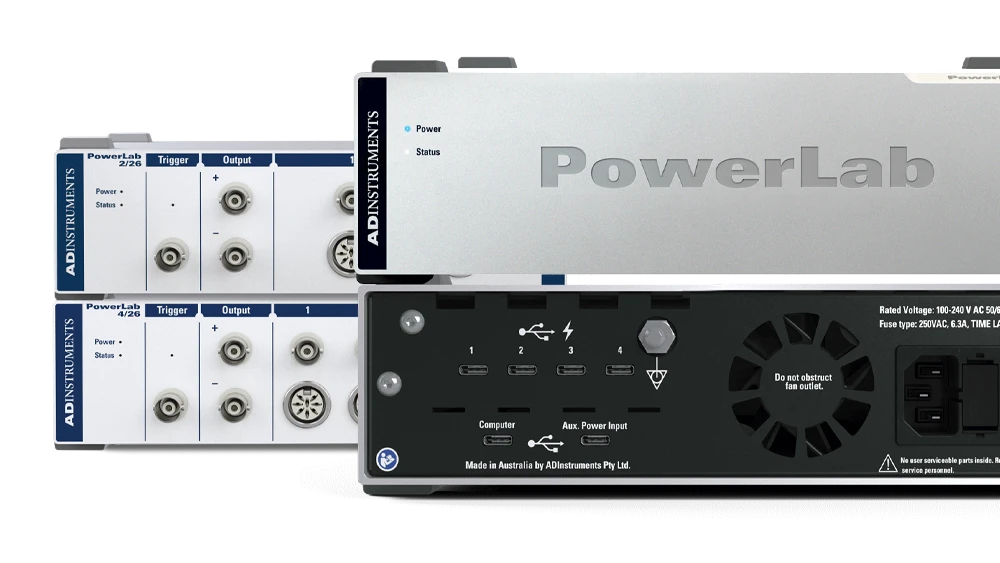
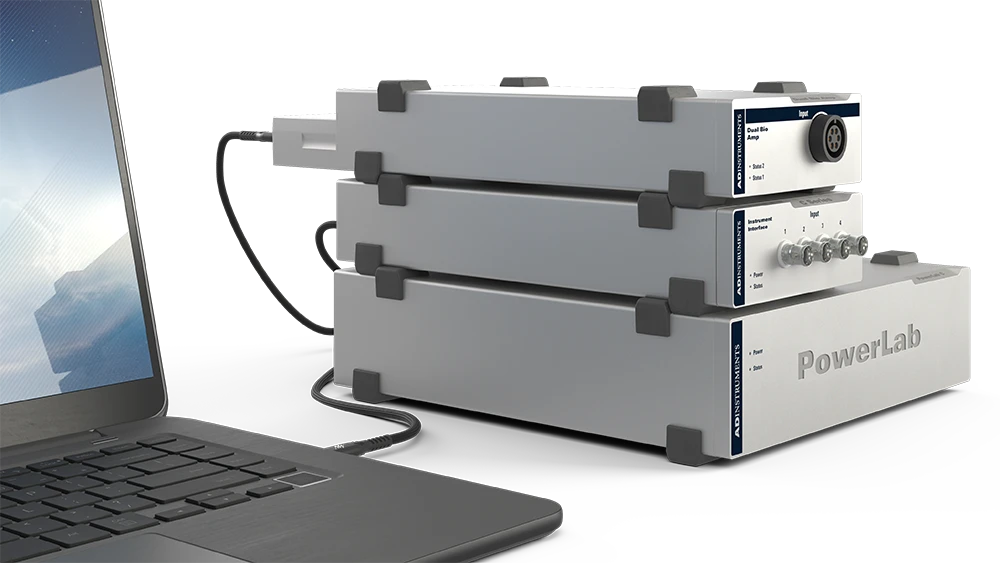
LabChart 9 is now bundled with our DAQ hardware, ensuring you have everything you need in one complete package. Streamlining the purchasing process and making the most of your funding.
Built for the future
LabChart grows with your research. With a wide range of extensions and modules available, LabChart is designed to be modified to meet your data acquisition needs. With ongoing development, this expansive suite of DAQ and analysis features will continue to grow to meet the needs of current and future life science niches.

Wrap Around Support
Expand your skillset with LabChart's comprehensive Help Center, learn more about LabChart's capabilities through our support articles, or reach out to our highly-skilled support staff for assistance. Whether you need support with LabChart or with your research, we're here to help.

A Complete Learning Environment
LabChart 9 is compatible with PowerLab Sensors, our line of high-quality educational physiological sensors. Students simply plug in the sensor's USB to a PowerLab T1, or directly into their computer, and LabChart 9 will automatically create a recording channel for that sensor. This complete laboratory solution minimises setup and streamlines the lab experience.
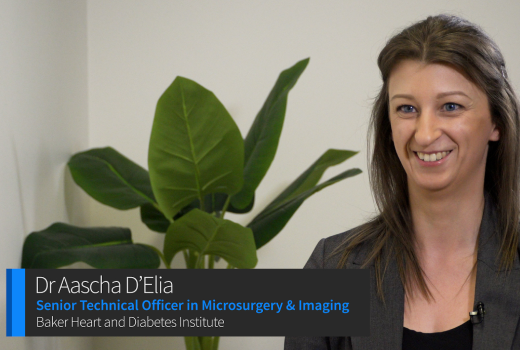




LabChart facilitates excellent research
I'm wanting to record
Examples of LabChart Data Acquisition
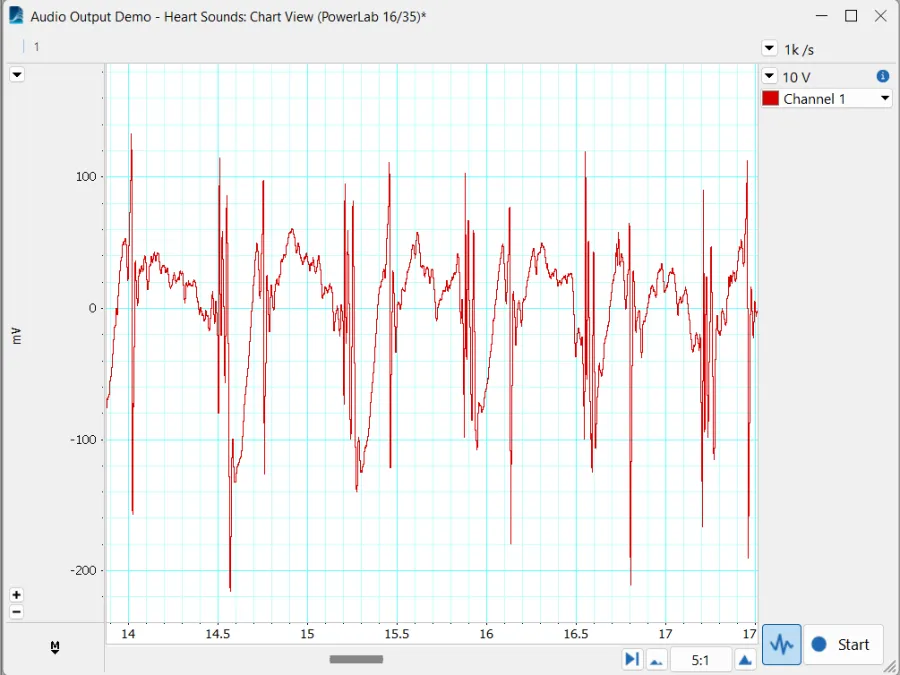
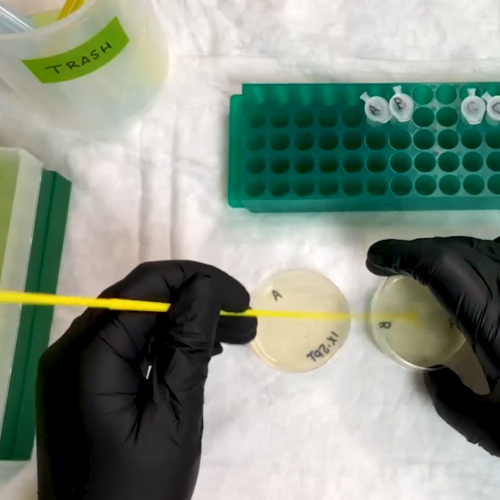
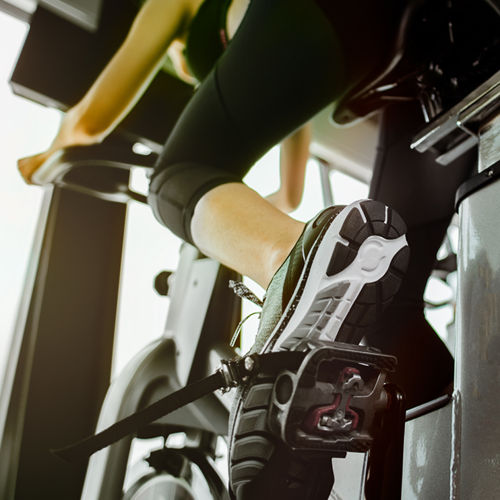
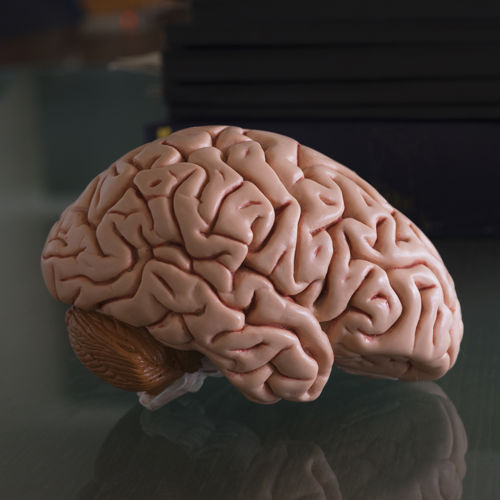
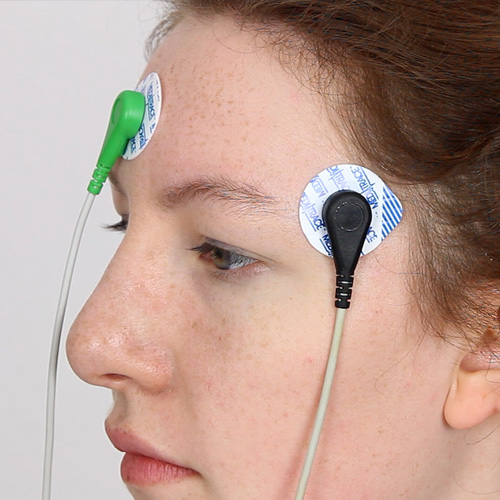
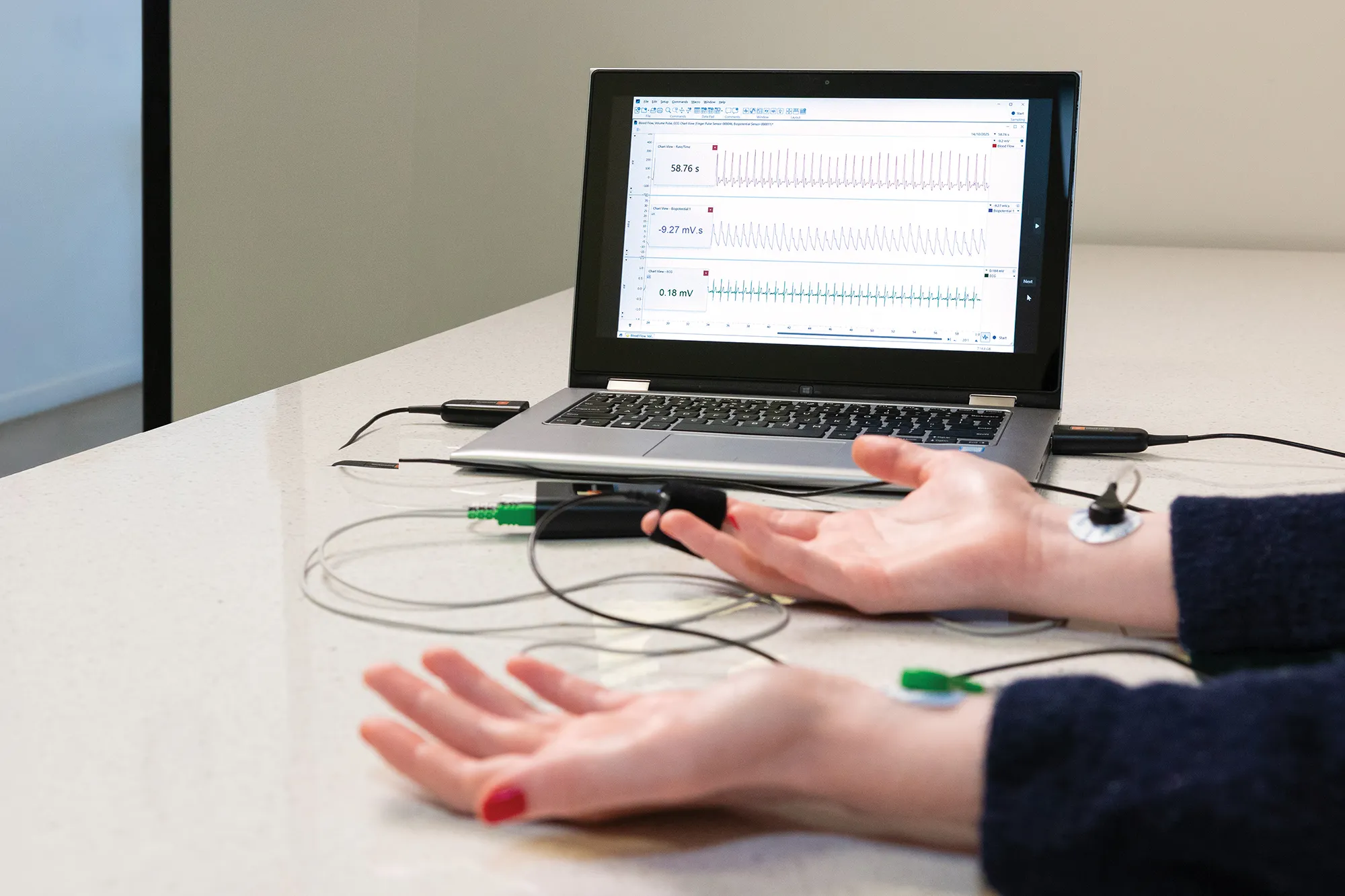
The below videos are real-time recordings of physiological signals in LabChart. Select a signal to see how it looks in LabChart, or download the sample data.
Interested in viewing other physiological signals? Contact our team.








Citations
Curious about how LabChart performs in the real world? Read through some of the high impact publications that utilize our DAQ systems.
Getting Started with LabChart
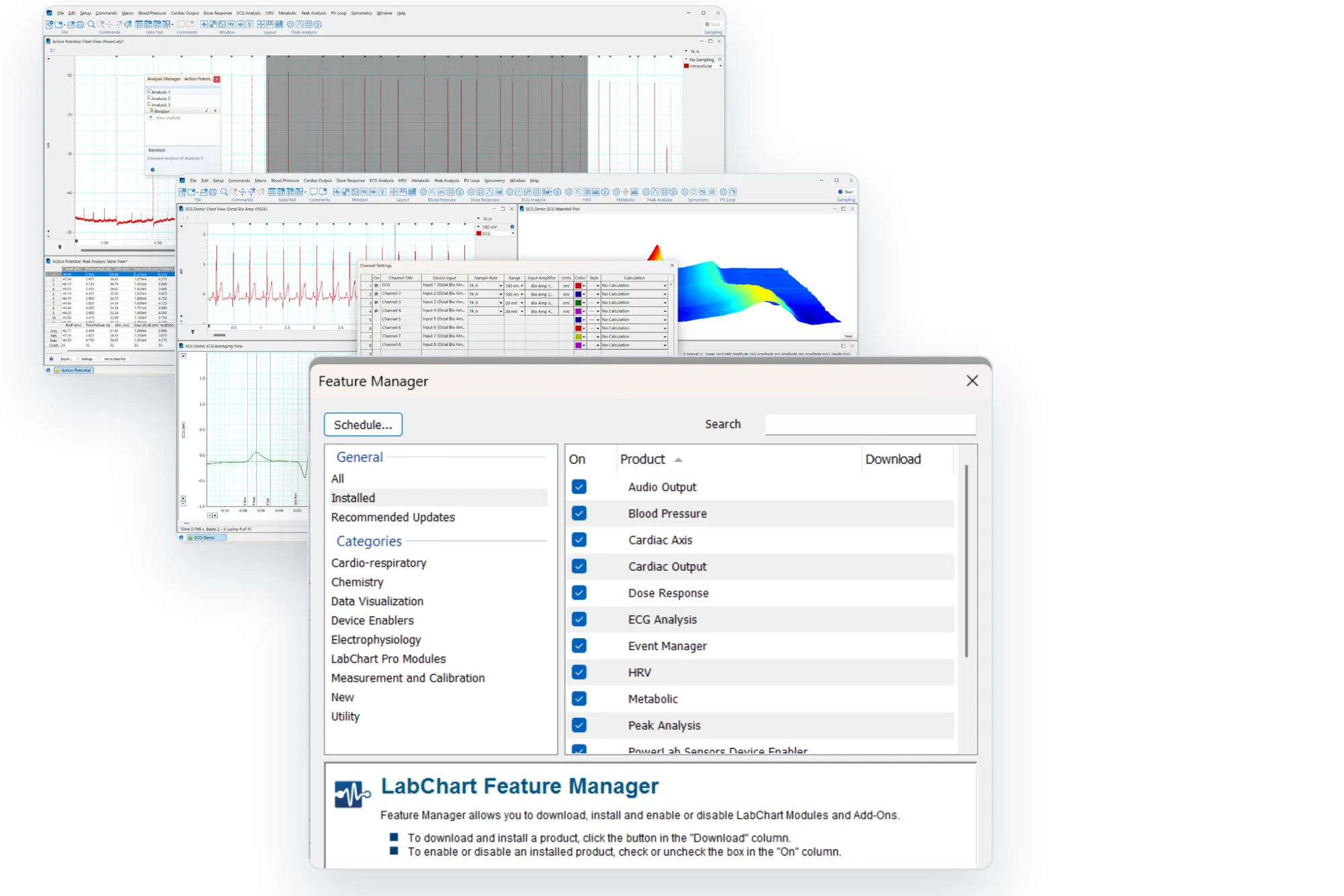
Watch our step-by-step videos on how to get started using LabChart in your research or teaching, and features that will make your work easier.
LabChart FAQ
Looking for more information about setting up and using LabChart? Our support articles provide all the technical details you could need.
- Can LabChart be used on a tablet-style computer?
- Are there any issues with installing multiple versions of Chart / LabChart on the same machine?
- How do I Activate an installation of LabChart 8 or later?
- Why am I receiveing a warning stating I have exceeded the allowed license activations when installing LabChart?
- Why am I having problems installing LabChart for Mac?
- What is causing the error "Unable to install license; Contact your ADInstruments Support"?
- Why is LabChart requesting an additional license code after the LabChart Pro upgrade license code has been entered?
- Basics of Data Acquisition: Amplification, Filtering, Sampling and Dealing with Noise
- Essentials of Data Quality: Optimizing your range, sampling and filtering settings
- Where can I find my LabChart License Codes?
- How do I save my LabChart file with a date/time stamp as file name?
- How can I add comments in LabChart?
- How can I copy comments from one channel to others at the same time point automatically?
- Can I take two or more separate LabChart documents and combine them into one?
- What is the largest file size possible in LabChart 8?
- Does LabChart work without internet connection?
- Is LabChart offered in any other languages other than English?
- What is the compression for the display in the Chart window?
- Is LabChart compatible with the RS-232 digital communication standard?
- How can I share LabChart's Configuration Information?
- Using LabChart 8 with MATLAB, Python, and Other Software
- Why are basic features of LabChart not available?
- Why can I not open a LabChart 7 for Mac or earlier file after emailing it or storing it on a network drive?
- Why can I not see my Data Pad settings in my LabChart Settings file?
- Why does LabChart close unexpectedly when I mouse over an error provider?
- Why is LabChart automatically assigning channel titles, recording ranges, number of channels, etc. when opening a new file?
- Why is LabChart 7 for Windows freezing on the "loading .net framework" startup page?
- Why is LabChart 8 for Windows prompting me to reactivate the software when the computer is docked or undocked from its docking station?
- If LabChart opens outside the computer monitor's visible area, how can I make the LabChart program window visible again?
- Is there a LabChart temporary buffer file recovery limit?
Stay up to date
Keep up to date with the latest developments, training opportunities, and publications.